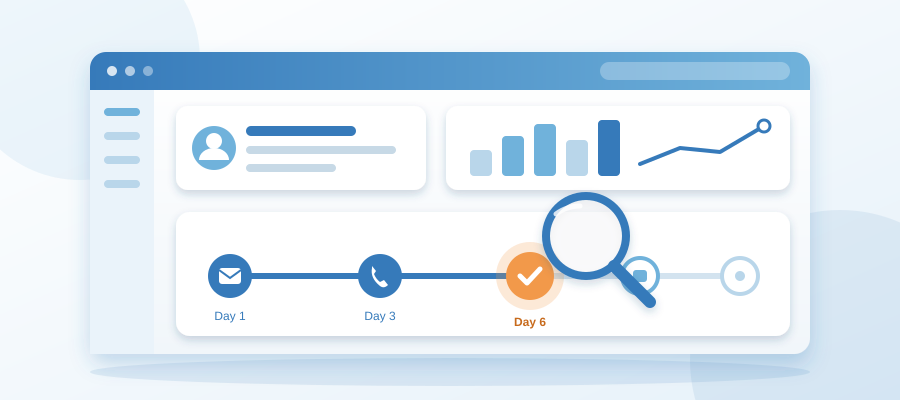
You See Where It Is Before You Ask
The Real Problem Is Not the Cadence. It Is the Hunting.
Most solo owners already know what a sales cadence should look like. A first email, a follow-up two days later, a call, a check-in after a week, then a close or a quiet goodbye. The steps are not a mystery. What breaks is that you can't see where any given deal sits in that sequence without opening four things and rebuilding the timeline in your head.
So the cadence becomes a thing you meant to do rather than a thing that runs. You think about Marcus, wonder if you sent the second email, then go dig through your sent folder to find out. Three minutes gone. That happens six times a day and you have lost half an hour to remembering.
When people search how to build a sales cadence in crm, they usually expect a template. The template is the easy part. The hard part is the visibility. A cadence you can't see is a cadence you abandon by Wednesday.
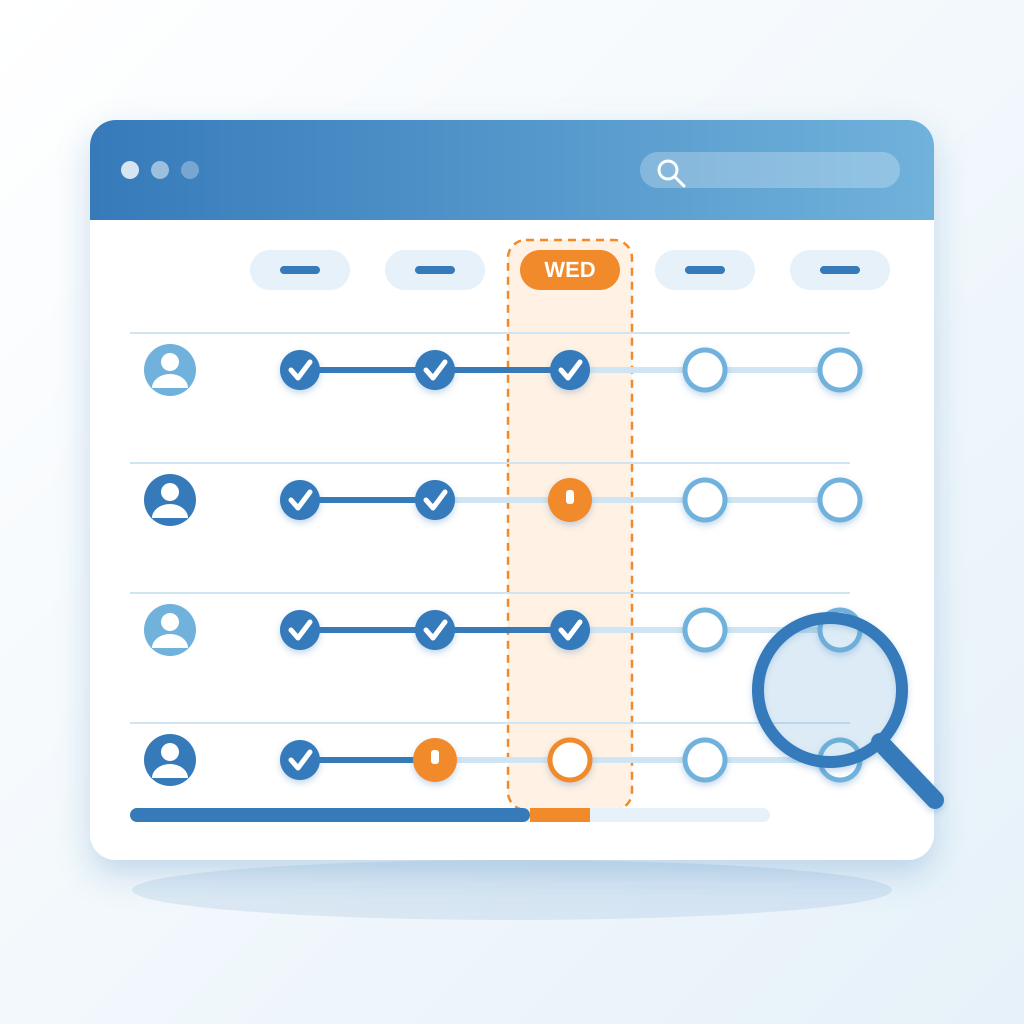
The fix is not more discipline. It is layout. You want one screen where every open deal shows its step, its last touch, and its next move, the same way you want every post showing its stage. The status should live on the screen, not in your head. Your head has room for the client call at 11.
This is also the honest answer to what is crm for small business. For a company of one, a CRM is not a database of contacts. It is the place where the next step is already decided, so you stop spending your mornings working out what to do next.
Build the Cadence Around Steps You Will Actually Take
A cadence built for a ten-person sales team will die in a business of one. If your sequence has eight touches and a call script, you will skip it. Build it around the three or four things you genuinely do when you are on. For most owners that is an email the same day, a follow-up in two days, a second follow-up in a week, and a clean close-out at fourteen days.
Write the cadence down as steps, not feelings. Step one, day zero, send the note you already wrote. Step two, day two, short reply checking they saw it. Step three, day seven, a useful thing like a link or a question. Step four, day fourteen, the polite door close. Four steps is a cadence. Eight steps is a document you will never open.
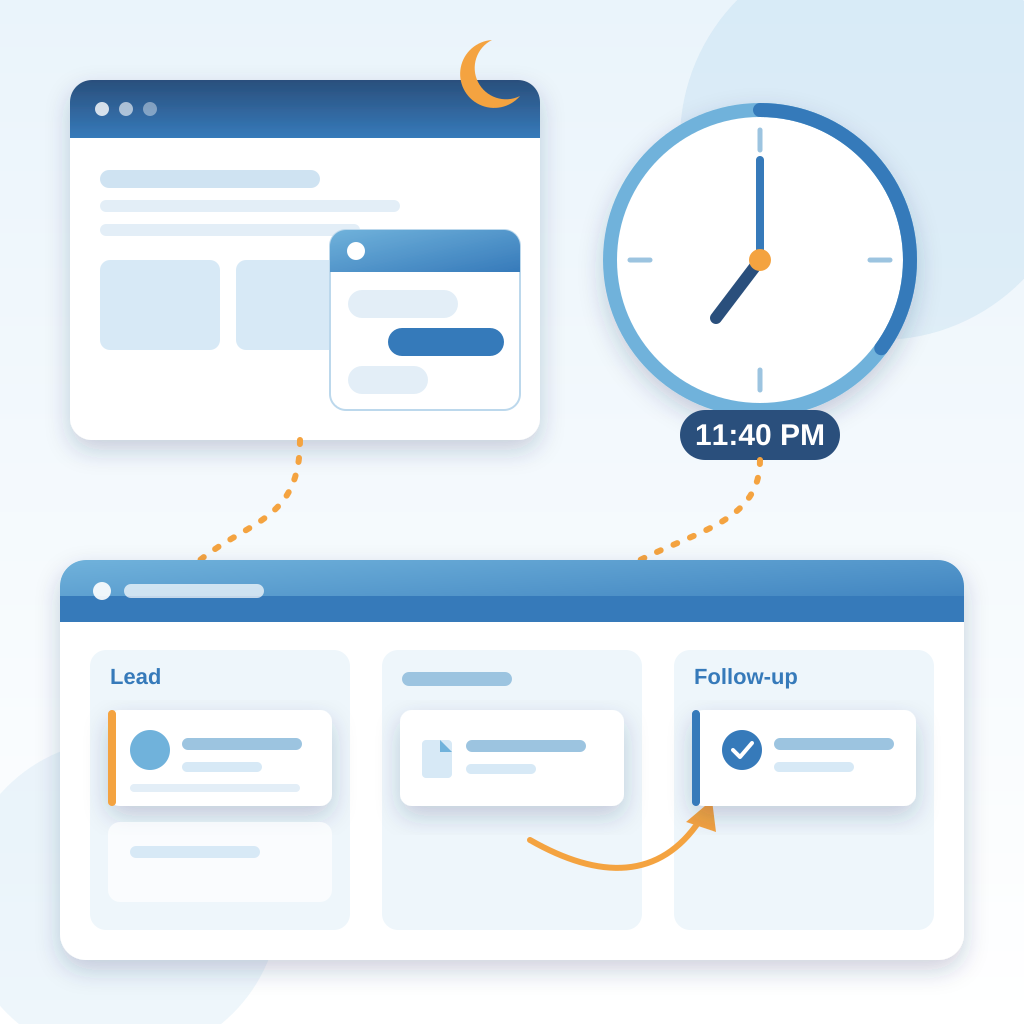
Then attach each step to a real trigger in the CRM. A new lead comes in at 11:40 PM from the chat widget on your site. That should start the clock, not wait for you to notice on Monday. A proposal sent should move the deal to a follow-up step automatically, because the follow-up is the step everyone forgets and the one that pays.
The same logic applies to how you treat records. When you import contacts from linkedin into crm, put them in the sequence at the right step instead of dumping them into a list. A list rots. A cadence with a next date on it moves.
One more thing to plan for: a cadence that runs on email and calls only will quietly break your consent rules. If you record calls or log them, know your local requirements before you start capturing audio, because crm call recording consent and compliance varies by region and by state. Ask the buyer, log the answer in the record, and keep the step honest.
Make the Status Visible So You Stop Asking
Here is the gain in plain terms. You open one screen. Ideas, posts, images, polish, approval, schedule, posted, with the cadence sitting beside each one. You can see the post from Tuesday is sitting at approval. You can see the one for tomorrow is already scheduled. You are not hunting through tabs or asking yourself which brand is where.
The same screen logic works for deals. Every open conversation shows its step. This one is at day two, waiting on your follow-up. That one sent a proposal and is now at day four of a seven-day wait. The one you have been avoiding is sitting on day eleven, which is your answer about whether to chase or close it out. You see all of it in a glance instead of a memory exercise.
This matters most in businesses where the client relationship is the product. If you coach people, your CRM has to hold the relationship and the progress in the same place you plan the marketing. That is why crm for coaching businesses client progress notes is a real question and not a niche one. Between sessions you want to see what was agreed, what was sent, and what the next touch is, without opening a second tool.
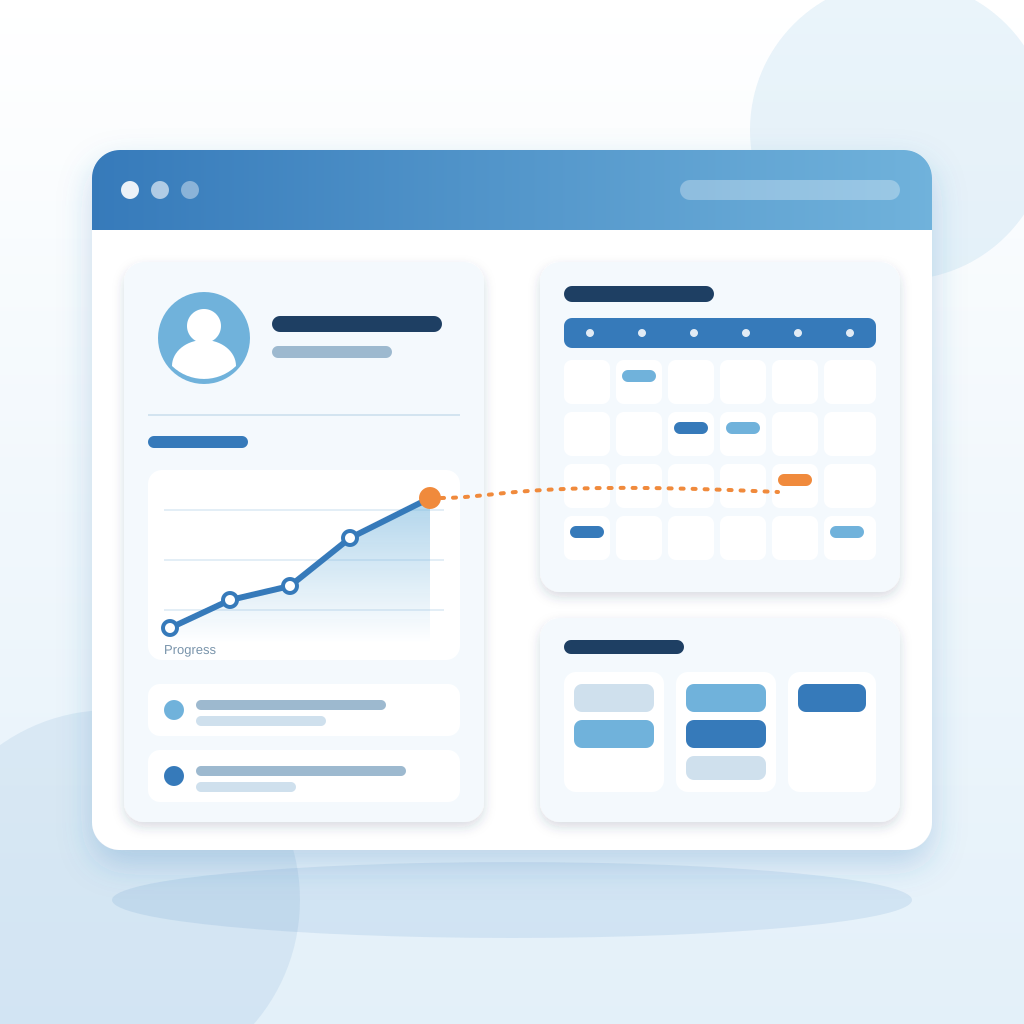
Visibility also fixes the quiet failures. When a scheduled item fails, you want to know in about 2 minutes, not 6 hours later when a client says your feed went cold. Same with a cadence. If a follow-up didn't go out, the screen should show it sitting there unsent, not pretend it went. You want the truth on the screen, even when the truth is that you're behind.
That single view is the whole gain. You stop keeping status in your head. You look once and know where each thing is, and then you get back to the work that only you can do.
Feed the Cadence Without Living in It
A cadence needs a constant supply of new names at the top and a steady push at each step. The supply part is where solo owners stall, because lead generation competes with delivery for the same hours. Set one reusable entry point and let everything else feed it. Your site chat, your contact form, your LinkedIn messages, a referral text. All of it lands in the same place, tagged with where it came from.
Then let the CRM do the pushing. When a new lead arrives at 11:40 PM, the first step should go out in your voice from your own knowledge base, and the record lands in your list ready for the day-two follow-up. You approve it or you let it send. Either way you are not drafting at midnight or reconstructing the conversation the next morning.
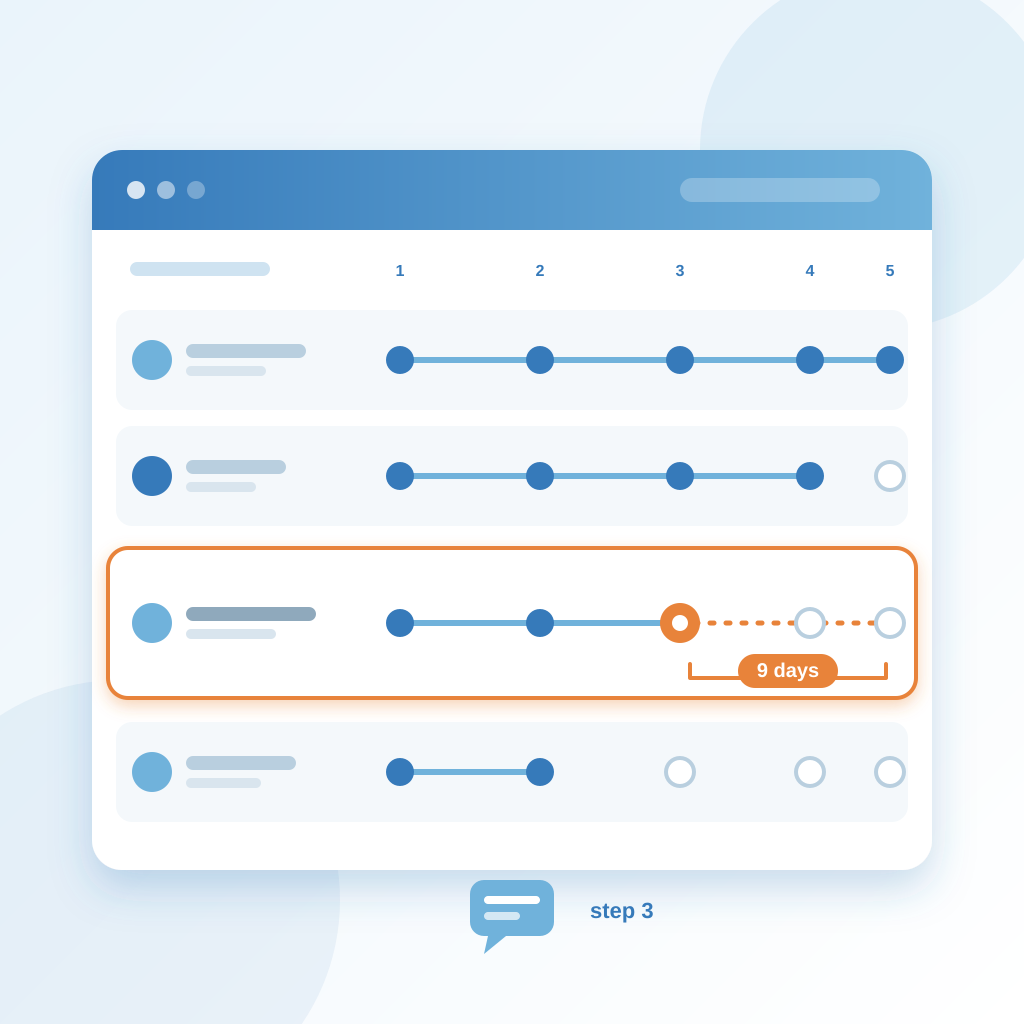
Watch the middle of the cadence, not just the start. Most deals don't die at hello. They die at step three, when the first reply was warm and then nothing happened for nine days. The screen should make that obvious. A deal with no touch in nine days is a different color to you than one that moved yesterday, and you should be able to see the difference without opening anything.
Keep the record useful after the sale, too. For one-person operations, the CRM is also the admin spine. The same record that carried the deal should carry the invoice and the reminder. If you send the invoice the same day and the reminders chase it until it clears, you stop being the person who remembers to nudge. You become the person who gets paid.
And when the account goes quiet, say it. If a step fails, if a follow-up bounces, if a contact goes cold, the honest signal on the screen is worth more than a tidy dashboard that hides the gap. You can fix what you can see.
A Simple Two-Week Cadence You Can Copy
Start with four steps and one rule: every open deal has a next date. Day zero is the first touch. If you met them at an event or they came in through chat, the first note goes out the same evening, in your voice, referencing what they actually asked. That one touch is the difference between a lead and a name in a list.
Day two is a short check. Two sentences. Did this land, is it still on your mind. No pitch, no pressure. If they reply, the cadence pauses and the conversation takes over. If they don't, the CRM holds the step and shows it to you on the right day so you are not deciding whether to chase from scratch each morning.
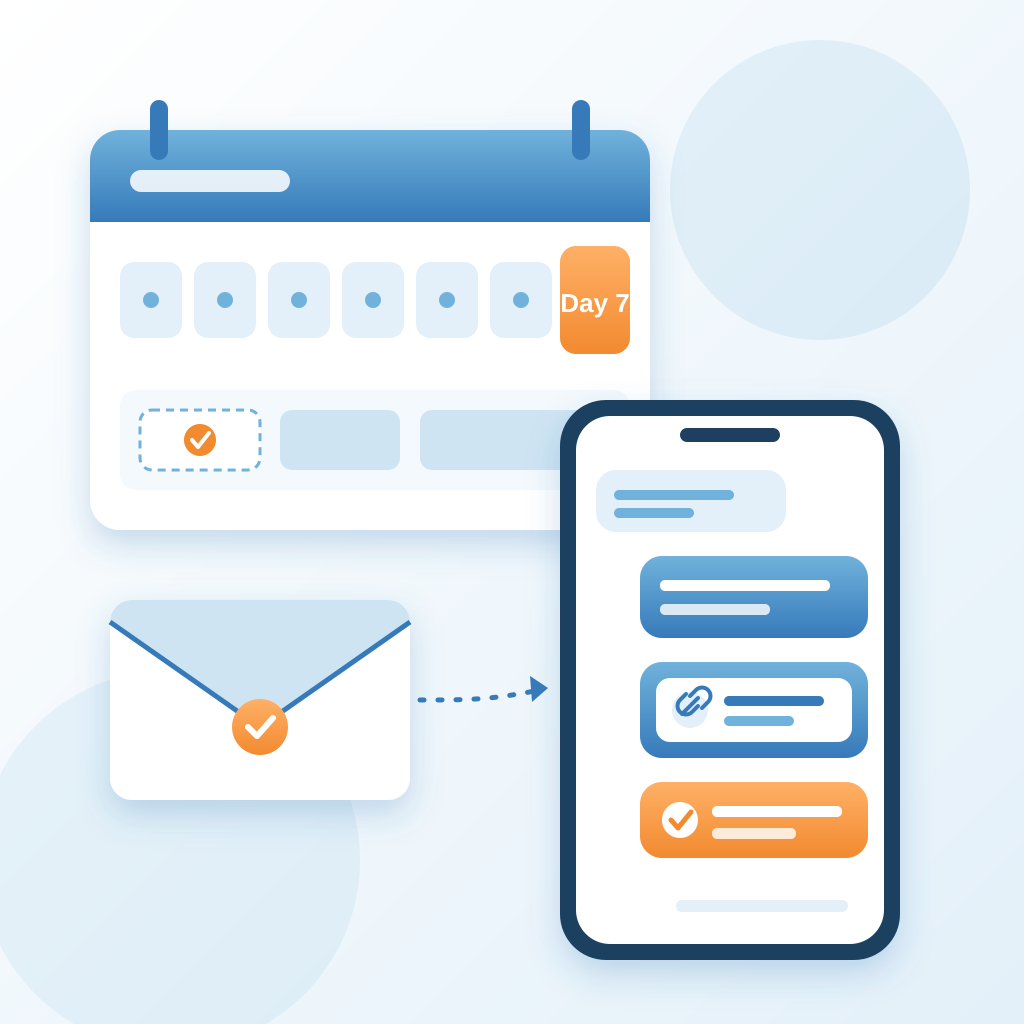
Day seven is the useful one. Send something they can use, a link, a short answer to a question they asked, a note that a slot opened. This is the step most owners skip because it requires a thought, and it is also the step that reopens the most conversations. Put it in the cadence and it stops being optional.
Day fourteen is the close-out. A calm line that you are going to stop chasing and they can reach you whenever. Most people never send it, so it lands differently. It also frees your screen. A closed-out deal is a decision, and decisions are what keep a one-person business moving.
Run that on ten deals and count what comes back. Most owners find one or two conversations reopen that they would have dropped. That is the cadence doing its job, not you working harder.
What Changes When You Can See It
The first change is small and then it compounds. You stop opening five tabs to work out what happened. You open one screen, see where each deal and each post sits, and close it. The minutes you were spending on reconstruction go back into the client call at 11, the work you actually get paid for.
You also stop dropping the middle. The post that sat at approval on Tuesday gets approved Tuesday. The follow-up that was due on day two goes out on day two. Not because you became more disciplined, but because the status is in front of you instead of behind you.
The third change is trust in yourself. When you know the cadence is running and the screen is honest, you stop carrying the anxiety of maybe-forgetting. That low hum of not knowing where things stand is a real cost, and it is the one nobody puts in a spreadsheet. Seeing the status removes it.
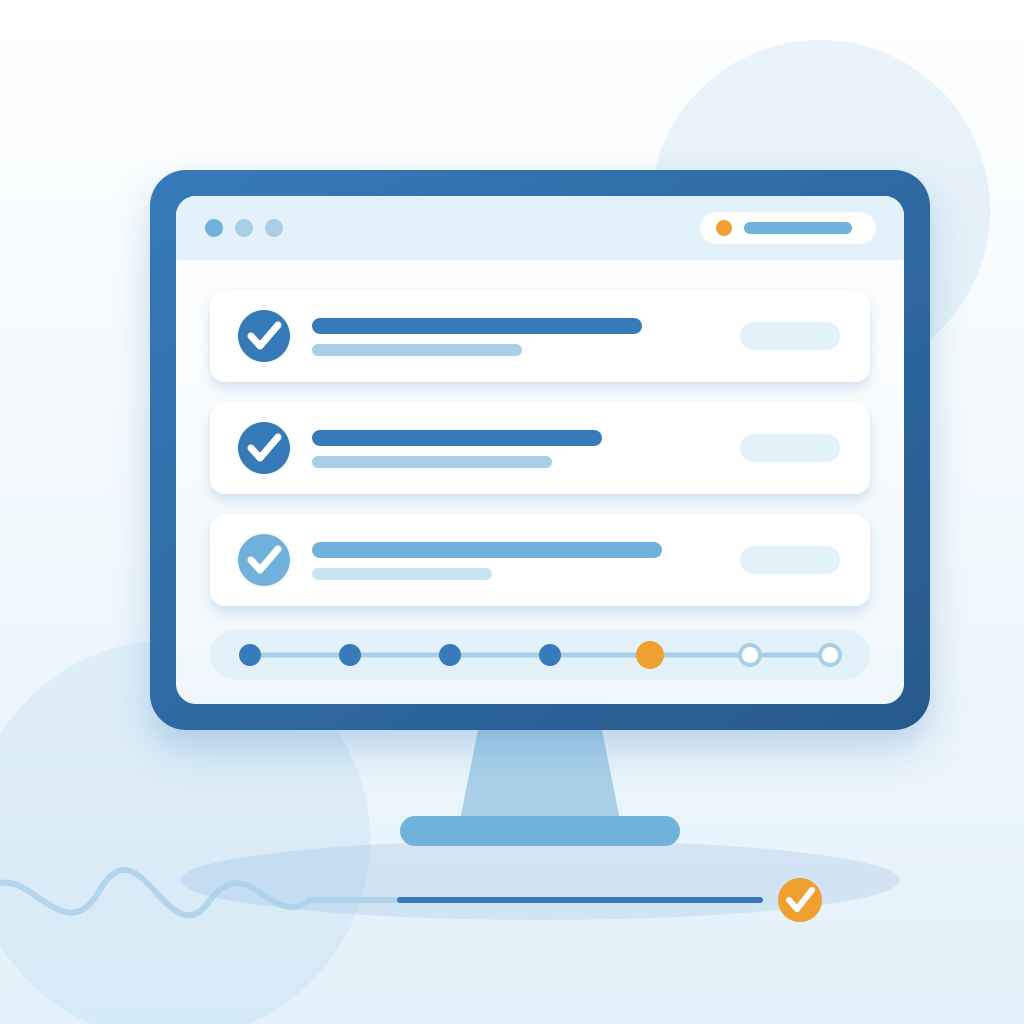
Finally, you start making decisions on evidence instead of memory. Which step actually reopens conversations. Which source produces deals that close. Which follow-up you keep skipping because it is badly written. A visible cadence gives you that, because the record is the same one you were already keeping.
If you want a starting point, build four steps, give every deal a next date, and put the whole thing on one screen you check once in the morning and once before you close the laptop. That's the cadence. The rest is just looking.