You Answered the Same Three Questions 14 Times Last Week. Here's How to Stop.
The 14 Questions That Paid Nothing
You answered the same three questions 14 times last week. What do you charge. How long does it take. Do you work with people like me. Fourteen replies, some of them long, a few with a paragraph about your process and a friendly note at the end. Not one of those conversations turned into an invoice. Most of the people asking were browsing. That is not a customer problem. It is a last 10 minutes problem.
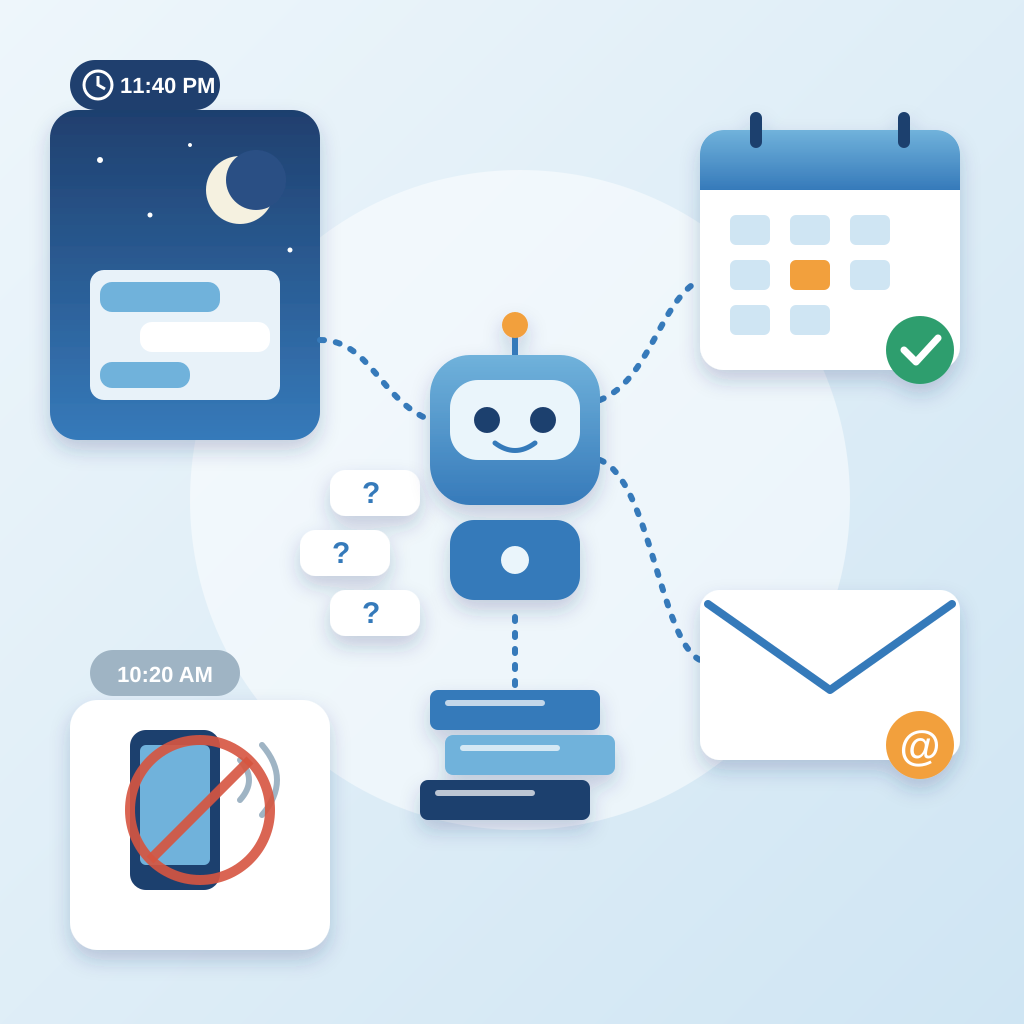
Here is what that looks like in real time. You are deep in a client project at 10:20 AM. A message comes in. You stop, read it, write a careful answer, send it, and try to get your head back into the work. The reply took 90 seconds. Getting back into the work took 10 minutes. Do that four times in a morning and you have lost 40 minutes to people who were never going to buy this week.
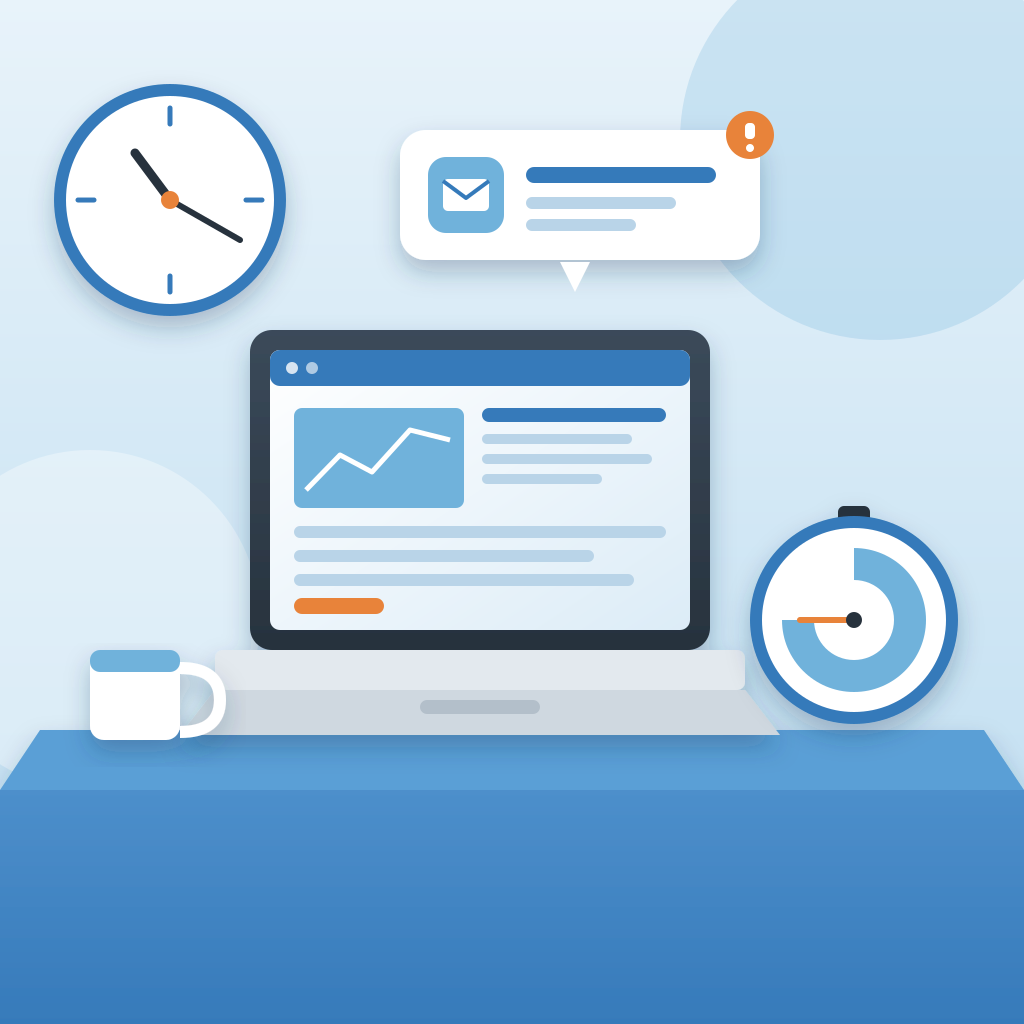
The buyer who actually needed you was not in that pile. They were on your site at 11:40 PM, read your pricing page, had one question, and left because nobody was there. You never saw them. You will never know their name. That is the costly half of the same problem.
The fix is not answering faster. The fix is not answering at all, at least not by hand. Put one embed on your site and the agent answers the three questions from your knowledge base. It answers in seconds. It answers at 11:40 PM. It answers while you are on a call, driving, or asleep. You approve or you don't. The work ships either way.
What the Agent Actually Does With Those Questions
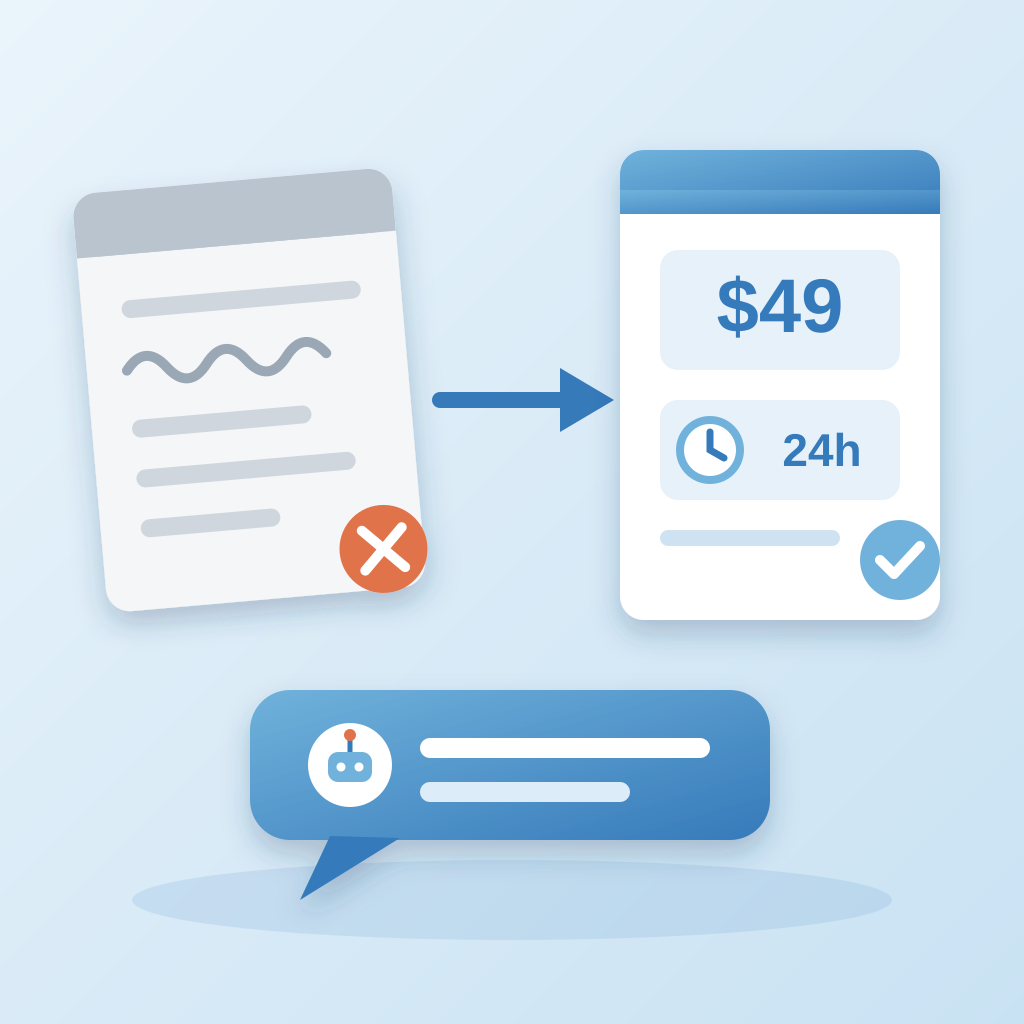
The agent reads from a knowledge base you fill once. Your pricing, your turnaround, your process, your FAQs, the things you keep retyping. When a visitor asks what you charge, the agent answers with your numbers in your words. Not a generic script. Your actual answer. It does it in seconds, every time, whether it is 9 AM or midnight.
When the question is a buying signal, it books the call. Someone asks about timelines and budget, the agent offers a slot and puts it on your calendar. You wake up to a booked call instead of a thread you have to chase. The visitor gets a yes in the moment they were ready. That is the difference between a browser and a client.

When it cannot answer, it captures the email. It does not guess and it does not invent a policy. It says a person will follow up, grabs the address, and hands the conversation to you with the context attached. You open one message, not five. You reply once, with the full thread in front of you.
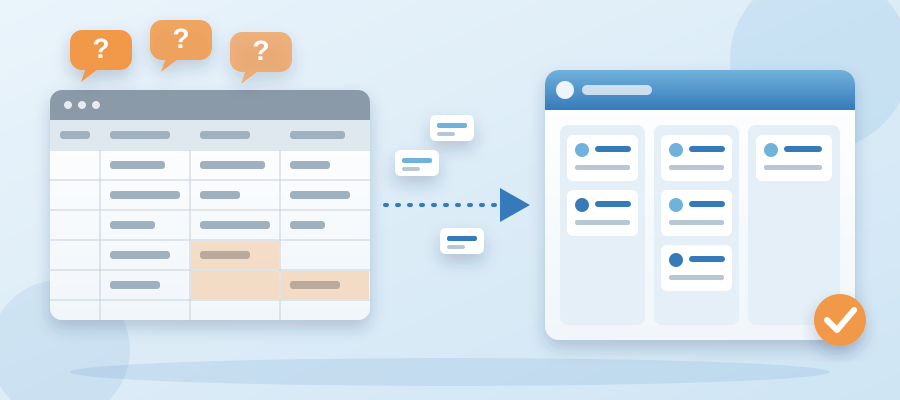
This is why an ai customer support and crm bundle for startups matters more than a standalone chat widget. The conversation, the email, and the lead all land in the same place. You are not copying names from a chat log into a spreadsheet at the end of the day. The record is already there, which is the first thing you need if you ever move your spreadsheets into a CRM without losing data.
The Money You Keep by Not Losing the Thread
Every question the agent answers is a question you did not answer by hand. Fourteen a week becomes zero a week. That is roughly 20 minutes back per week if you count the reply time alone. It is closer to 2 hours if you count the recovery time after each interruption. Those 2 hours are the work that actually pays.
The other half is the money you were not collecting. The 11:40 PM visitor who left without an answer is a lead you paid for with your ad spend, your content, or your reputation, and then dropped. The agent catches that one. It books the call or takes the email. Over a month, that is a handful of conversations you would never have had. Some of them close.
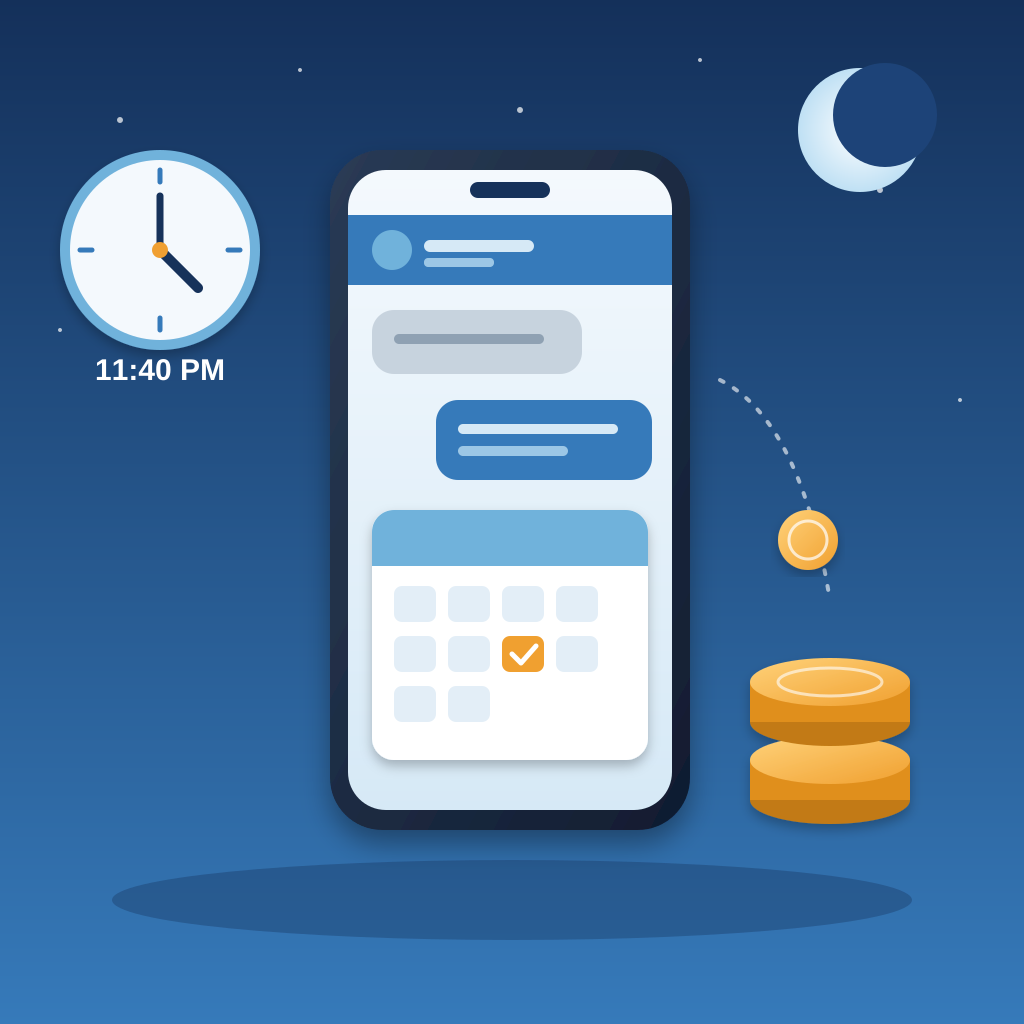
There is a quieter win too. The leads you do capture go into a CRM, not a notes app. A small business crm with invoicing means the same record that started as a chat question becomes the deal, the invoice, and the reminder on day 7, 14, and 21. You stop checking your bank app because the cadence runs without you. That is what a crm for small business really means: one place where the conversation, the client, and the money live together.
None of this is exotic. It is the boring plumbing most solo owners skip because they are busy answering the same three questions. The agent handles the plumbing. You handle the work only you can do.
When the Agent Gets It Wrong
It will get something wrong eventually. A visitor asks about a service you discontinued, or a price you changed last month, and the agent answers from an old page. That is a knowledge base problem, not a chat problem. The first thing to check is the source document it reads from. Update the page, retrain, and the answer corrects itself.
If the agent answers too vaguely, check whether your knowledge base has the actual answer. Most vague replies trace back to a source that says we offer flexible pricing instead of a number. Give it the number. Give it the turnaround. Give it the two sentences you would type to a friend. The agent will use them.
If handoffs are not reaching you, check the notification path first. The agent is handing off, but the message may be going to an inbox you do not check or a filter that buries it. Fix the destination and the cadence comes back within a day.
If bookings stop landing on your calendar, check the calendar connection. A reauth or a changed availability window is usually the cause. Reconnect it, confirm one test booking, and you are back on track. The rule is simple: check the source, then the destination, then the connection. In that order. Most failures clear in one pass.
How to Launch It in an Afternoon
Start with the three questions. Write the answers the way you would send them in a message. Short, specific, with numbers. That is your knowledge base, and it takes about 30 minutes. Do not write a policy document. Write the reply you keep retyping.
Then add the embed. One snippet on your site, no developer needed. Put it where visitors already hesitate, usually the pricing page and the contact page. Turn on booking and email capture. Run it in approve mode for the first week so you can read every answer before it goes out.

After a week, read the transcript. You will see the same three questions, plus two you did not expect. Add the new ones to the knowledge base. If the answers are clean, switch to auto and let it run. Check the transcript once a week for 10 minutes. That is the whole maintenance routine.
This is the same habit you need if you ever move your spreadsheets into a CRM without losing data. Export your sheet first, map the columns to the CRM fields, import, then verify a sample of 20 records against the original. Do that before you connect the agent so the history is already in place. A good a crm for solo entrepreneurs is one you can set up on a Tuesday and trust by Friday.
The Point of All of It
The point was never to answer questions faster. The point was to stop answering the same ones. Fourteen replies a week, 20 minutes of typing, 2 hours of recovery, and not a dollar from any of it. That is the trade you are making right now without noticing.
The agent takes the three questions, answers them in seconds from your knowledge base, books the call when it is a buyer, and captures the email when it is not. The 11:40 PM visitor gets an answer. The 10:20 AM interruption stops happening. You spend your day on the work that pays and check the transcript once a week.
You can compare crm programs for small businesses all day and still have the same problem. The problem is the open tab on your site at midnight and the interruption at 10 AM. One embed fixes both. Launch it this week and count how many questions you did not answer by hand.