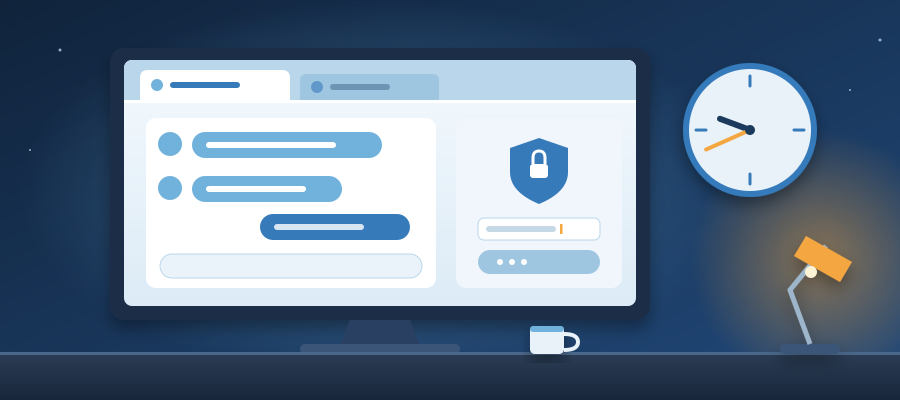
Two Tabs Open at 9:41 PM. One Replies. You Don't.
The 20 minutes that decide the quote
She lands on your site at 9:40 PM. The kids are asleep. She has a budget number in her head and a deadline on Friday. She reads your services page, then your pricing page, then back to services. She has the same three questions you answer every week: how long does it take, what is included, and can you start before the end of the month.
She has two tabs open. Yours is one. The other is a competitor who showed up in the same search. At 9:41 PM she types her question into both. It is the same question, word for word, because she is comparing like for like. She is not browsing anymore. She is deciding.
One tab answers in seconds. The reply is clear, specific, and sounds like a person who knows the business. It says the timeline is four weeks, lists what is included, and confirms a start date. The other tab has a contact form and a line that says we will get back to you within one business day. It is 9:41 PM on a Tuesday. One business day means Thursday at the earliest.
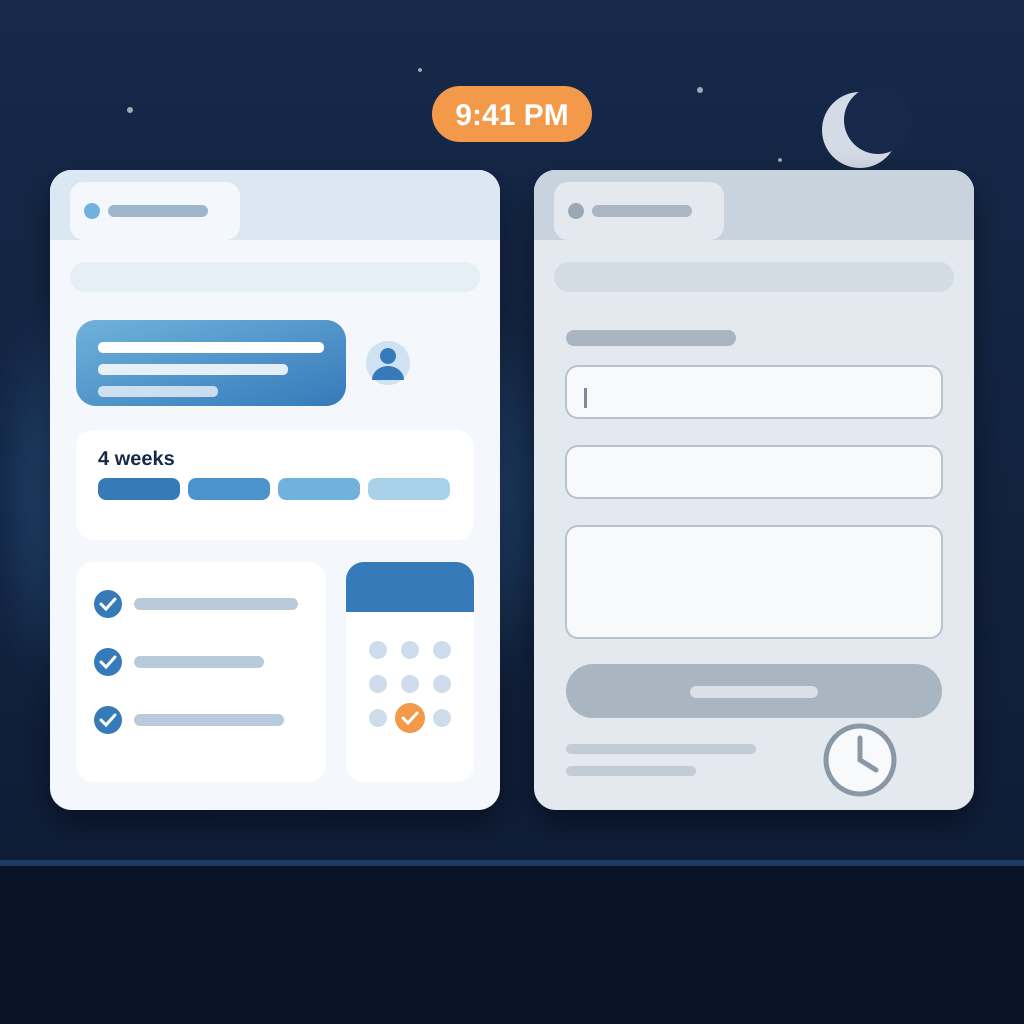
By 10:00 PM she has read both replies. She is not angry at the silent site. She just stops. The quote she was going to request from you never gets requested. You will never see the form fill, the email, or the missed call, because none of them happened. The deal did not die from a bad price. It died from a tab that stayed quiet for 19 minutes.
This is the part most owners miss. The buyer was not lost to a better product or a lower quote. She was lost to a reply that arrived while she was still sitting there. The business that answered at 9:41 PM did not have a night shift. It had a chat agent on its site that answered from its own knowledge base, in its own voice, and handed her to a human only when she asked for one.
Why your site goes quiet at 9:40 PM
You are one person. You answer the phone, do the work, send the invoices, and write the posts. By 9:40 PM you are done for the day. That is not a flaw in your work ethic. It is arithmetic. There are more hours in the day than there are hours you can be awake and answering.
The usual fix is a contact form. A form is not a reply. It is a promise to reply later, and later is the problem. The buyer who is comparing quotes at 9:41 PM is not waiting until tomorrow. She is comparing right now, and the tab that answers first gets the next step. The form sits there collecting questions that will be cold by morning.

The other usual fix is a generic chatbot. You have seen them. They say they did not understand, or they offer to connect you to a human who is not there. They are worse than silence because they make the buyer work. A buyer with two tabs open will not fight a bot. She will close the tab and go back to the one that answered.
What you actually need is something that knows your business well enough to answer the same three questions correctly at 9:41 PM. Not a script. A knowledge base. The answers you already give by email, the timeline you already quote, the inclusions you already list. Point an agent at that, and the 9:41 PM question gets the same answer you would have typed at 9:41 AM.
This is the shift Prigmar is built around. Most tools help you post. Prigmar answers your customers. The chat support agent is the first piece, and it is the one that changes what happens in that 20 minute window when the buyer is still deciding.
What the chat agent actually does at 9:41 PM
You add a drop-in widget to your own site. It is one line of code, not a rebuild. The widget is grounded in your knowledge base, which means it answers from your services, your process, your FAQs, and your pricing logic. It has a named persona, so it sounds like a member of your team, not a generic bot with a logo.
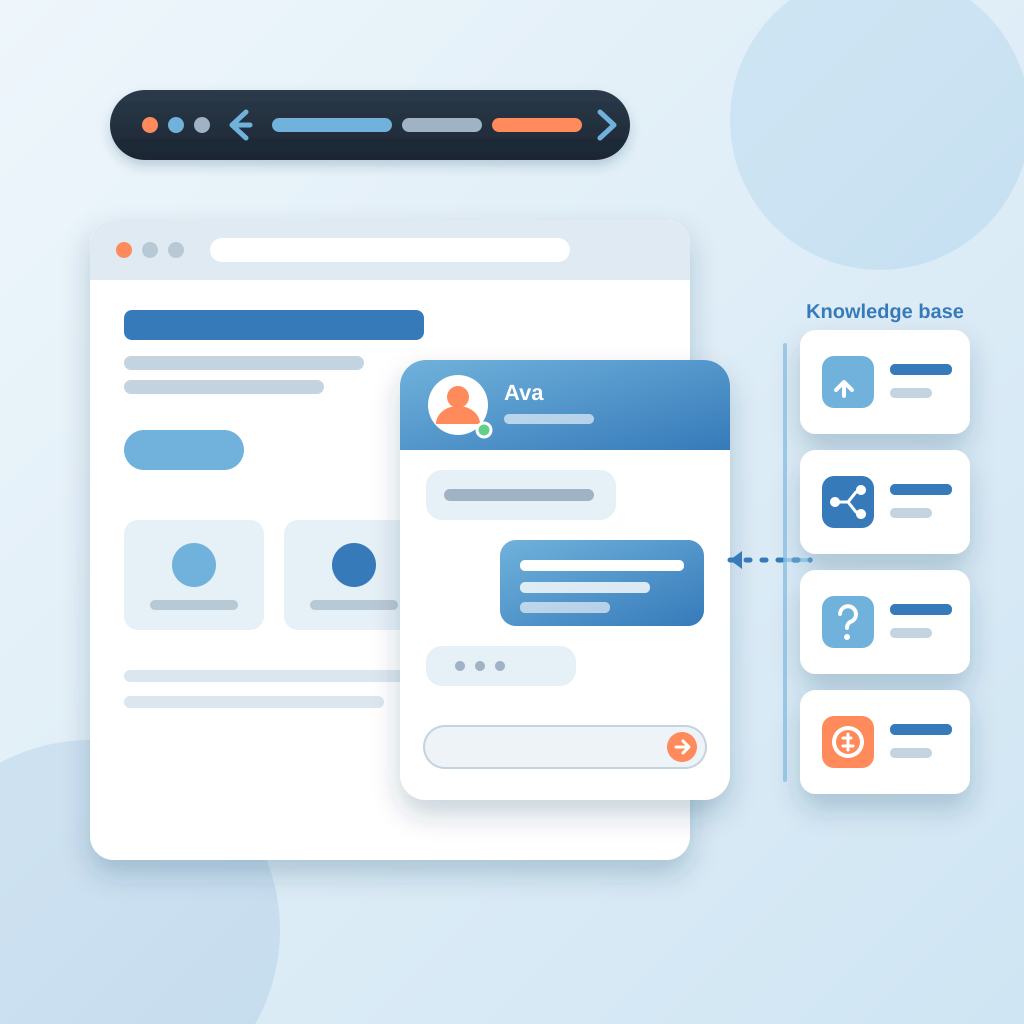
When the buyer asks how long it takes, the agent answers with your timeline. When she asks what is included, it lists your inclusions. When she asks whether you can start before the end of the month, it answers from your calendar rules and offers the next step. The reply comes in seconds, at 9:41 PM, while she is still on the tab. The same three questions you answer every week get answered zero times by you.
Human takeover is one click away. If the buyer asks something the knowledge base doesn't cover, or if she asks for a person, the agent hands off. She can leave her email and get a reply by email, so the conversation doesn't end when she closes the tab. You wake up to a transcript, not a mystery. You see the question, the answer, and the email address of a buyer who was ready to move.
This is the difference between a bot and an agent. A bot tries to keep the conversation on script. An agent knows when to step back. That matters at 9:41 PM because the buyer is not testing your bot. She is testing whether you are easy to work with. A fast, accurate answer followed by a clean handoff tells her you are.
If you want to see how to add the chat agent to your site, the walkthrough is at app.prigmar.com/learning. It covers the widget, the knowledge base, the persona, and the takeover settings. You can have it live on your site before the next 9:41 PM buyer arrives.

The rest of the night, and the rest of the month
The chat agent wins the 9:41 PM tab. That is one problem solved. The same buyer still needs a follow up, an invoice, a newsletter, and a reason to trust you found her in the first place. Prigmar runs nine agents, and chat is one of them. The others cover social media, SEO, email, CRM, newsletters, community, invoicing, and lead acquisition.
So the post that should have gone out at 7 AM goes out. The SEO agent writes and publishes in your voice on a real cadence, so the next buyer finds you in the same search. The CRM agent follows up with the 9:41 PM lead while the conversation is warm. The invoicing agent sends a branded invoice and chases payment on a cadence until the money lands. Every one of those pieces stays in one learned brand voice.
Worker jobs can fail. A scheduled post or a job can fail silently, and you would not know until your feed goes quiet or a client asks. The job check catches it in 2 minutes, not 6 hours later. That is the difference between a missed post and a cold feed. You get a heads up while there is still time to fix it.
If you are comparing an all-in-one AI tool for small business social media and SEO, the question to ask is not how many features it has. The question is whether it answers your customers. A scheduler can post for you. It cannot reply to the buyer at 9:41 PM. That is the gap Prigmar was built to close, and it is the one that shows up in revenue first.

The buyer who lands at 9:40 PM doesn't care how many tools you use. She cares whether the tab answers. One tab replies. The other stays silent. You already know which one she chooses.
Setting it up, and what it costs
Setup is the part most owners dread, so here is the short version. You create your account, connect your channels, and pick the agents you want. Prigmar single sign-on setup is one login across the platform, which means you are not managing nine separate passwords for nine separate tools. You add the chat widget to your site, point it at your knowledge base, and give the persona a name. The walkthrough at app.prigmar.com/learning takes you through it step by step.
You can approve the work or let it auto-publish. That choice is yours per agent, and you can change it later. If you want to review every post and every chat reply for the first week, you can. When you trust the voice, you let it run. The point is that you are not the only one doing the work anymore, and you are still in control of what goes out under your name.
How much does Prigmar cost? Prigmar pricing plans are built around one subscription for the whole set of agents, not a stack of separate tools with separate bills. The comparison that matters is not the subscription line. It is the quote you did not lose at 9:41 PM, the invoice that got paid without three reminder emails from you, and the hours you did not spend answering the same three questions. Price the silence first, then price the plan.

If you want a CRM win loss analysis report setup, the CRM agent feeds the same data into it, so you can see which deals closed and which went quiet. The 9:41 PM lead shows up there. So does the one who filled out the form on Thursday and never heard back. That report is how you find the silence in your own pipeline before it costs you another deal.
The takeaway is simple. The buyer comparing quotes at 9:41 PM is not looking for the best business. She is looking for the one that answers. Add the widget, ground it in your knowledge base, and let it reply while you sleep. Then let the other agents handle the post, the follow up, and the invoice. You will still be one person. You just will not be the only one doing the work.