
The Invoice That Chases Itself (No Awkward Follow-Ups)
The Awkward Math of Self-Employed Billing
Every freelancer and small business owner knows the feeling: you finish the work, send the invoice, and then the waiting begins. At first, it's fine—you assume they're busy. But after a week, you start checking your email a little too often. By day ten, you're drafting a polite nudge in your head while you're trying to sleep. That nudge turns into a text, then an email, then another email. By the third follow-up, you're not just chasing money—you're damaging the relationship. The client feels hounded, and you feel desperate.
But here's the thing: late payments are not a character flaw of your clients. They're a systems problem. Most people intend to pay on time, but life gets in the way. An invoice lands in their inbox, they flag it for later, and then it gets buried. The real issue is that you're stuck manually reminding them, which feels pushy and wastes your time. According to a study by Fundbox, 64% of small businesses have had clients pay late. And each late payment costs you an average of 20 hours of administrative work per year. That's nearly three full workdays spent chasing money—time you could have spent on revenue-generating work.

The solution isn't to get better at nagging. It's to remove yourself from the equation entirely. When you automate your billing follow-ups, you decouple the payment process from your personal relationship with the client. No more awkwardness, no more resentment. Just a system that runs in the background until the invoice is paid. That's where an invoice agent changes the game.
How an Invoice Agent Does the Chasing for You
An invoice agent is a piece of software that handles the entire billing reminder process on autopilot. You set it up once—choose your reminder schedule, customize your message templates, and decide when to escalate. Then it runs until the invoice is marked paid. Prigmar's invoice agent goes a step further: it adjusts the tone of each reminder based on the client's payment history. For a first-time client who's never been late, the first reminder is gentle and assumes the best. For a repeat offender, the language gets firmer sooner. The agent learns from each interaction and adapts.
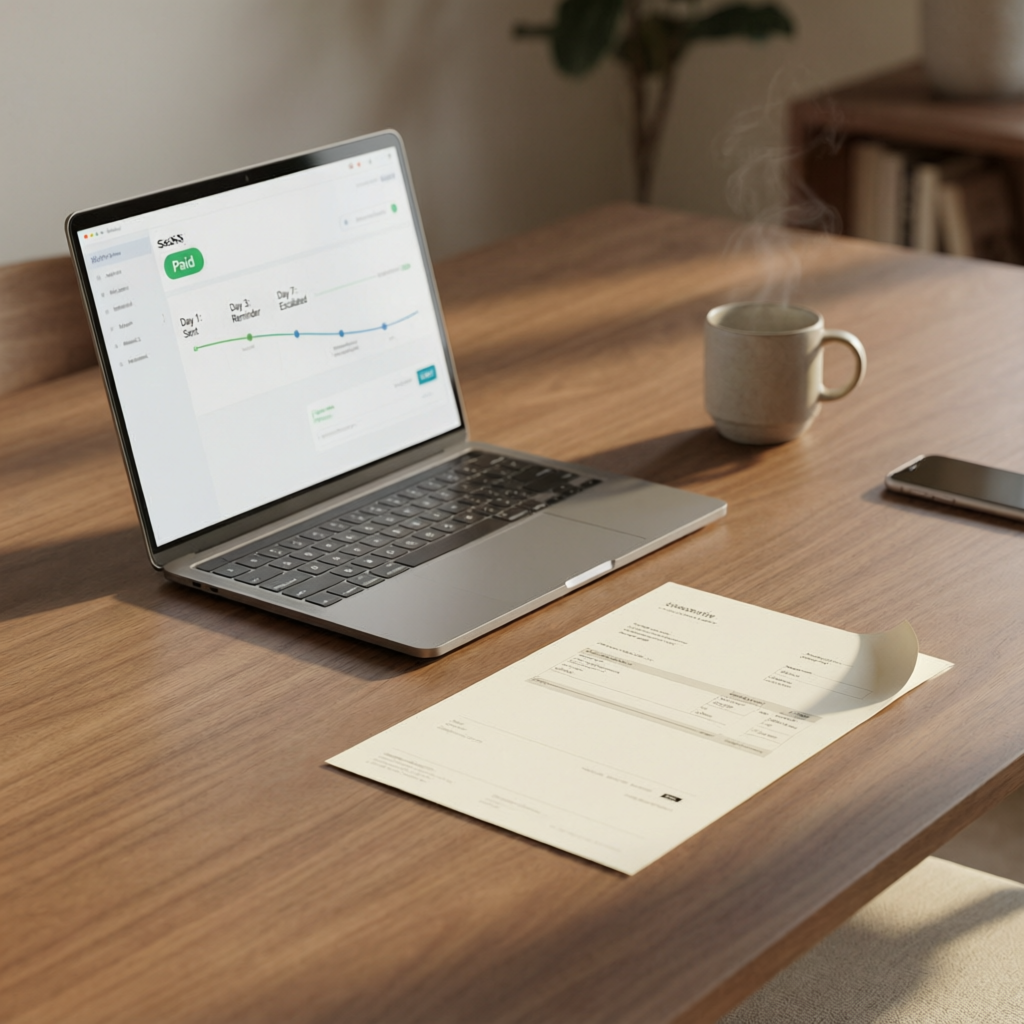
Here's how it works in practice. You create an invoice in Prigmar. The agent sends it to your client. If it's not paid after three days, the agent sends a friendly check-in: "Just making sure you received this—there's no rush, but the payment link is below." After seven days, the tone shifts slightly: "A gentle reminder that this invoice is now overdue. Please remit payment at your earliest convenience." At fourteen days, the agent sends a final notice with a harder edge: "This invoice is significantly overdue. To avoid any disruption in service, please pay within 48 hours." And if needed, the agent can escalate to a collection notice or a phone call prompt.
All of this happens without you lifting a finger. No more composing awkward texts on the go. No more feeling like a bill collector. The client receives consistent, professional reminders that don't feel personal—because they aren't. And because the reminders are automated, they arrive on a predictable schedule, which actually reduces friction. Clients know what to expect, and they appreciate the clarity. In fact, Prigmar users report getting paid an average of 12 days faster after switching to automated invoicing. That's nearly two weeks of cash flow you can count on.
Setting Up Your Invoice Agent in Under 10 Minutes
The beauty of Prigmar's invoice agent is that it takes almost no time to configure. You don't need to be a tech wizard or spend hours building workflows. The agent comes pre-configured with sensible defaults that work for most businesses. But you can customize everything if you want to. Here's the step-by-step: first, connect your payment processor (Stripe, PayPal, or bank transfer details). Then, create your first invoice template with your company logo, payment terms, and a thank-you note. Finally, set your reminder schedule—how many days between each follow-up, and what tone to use for each stage.

One of the smartest features is the ability to set different reminder sequences for different client segments. For long-term retainer clients, you might want a gentle reminder only after fifteen days. For one-off project clients, you can start the sequence sooner. You can also set up automatic late fees if you choose, though most small business owners find that a simple, firm reminder works just as well without risking the relationship. The agent keeps track of payment history for each client, so it never sends the same message twice.
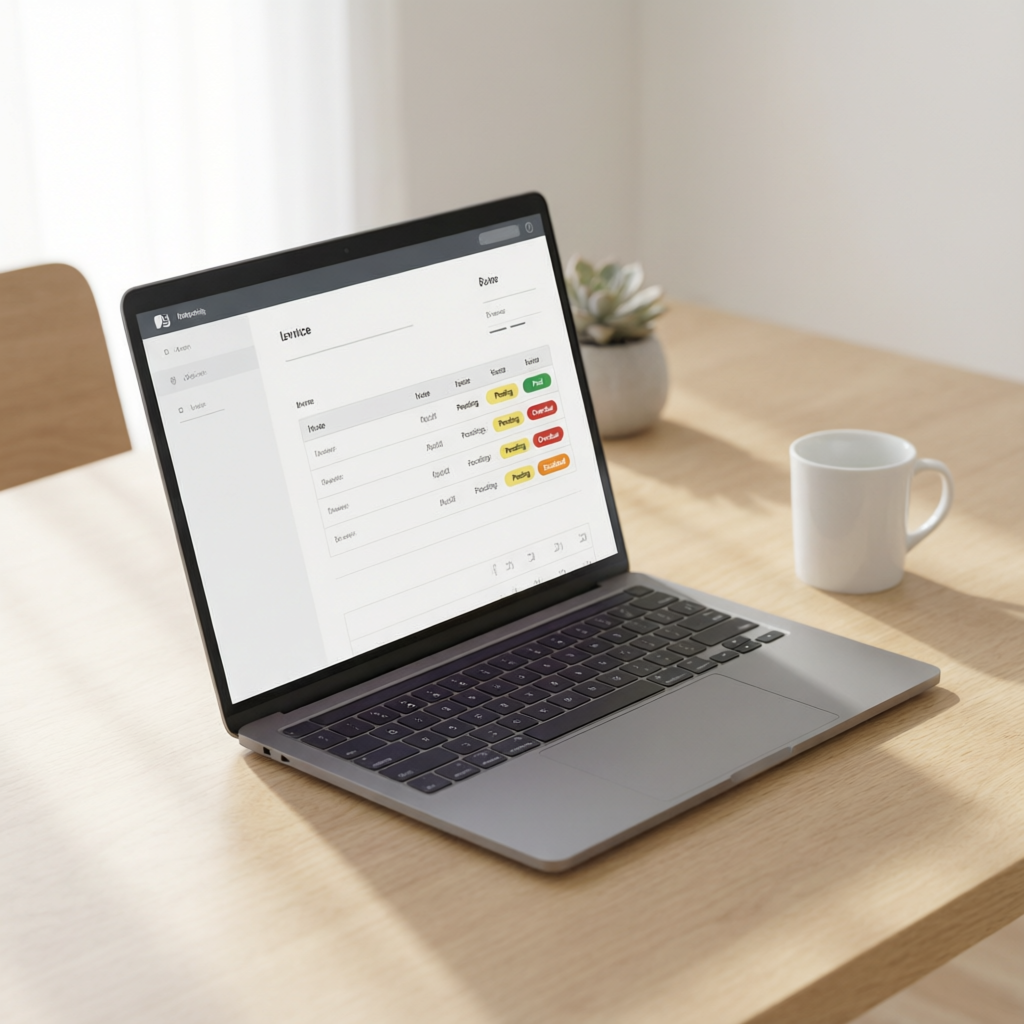
Once you've configured your settings, you're done. Every invoice you send from that point on will be managed by the agent. You can review the status of any invoice at a glance on the Prigmar dashboard: paid, pending, overdue, or escalated. If a client has a dispute or a question, the agent can flag it for your attention, but the routine follow-ups never disturb you. You don't even get an email notification for each reminder sent—the agent just does its job silently in the background. That's the kind of peace of mind that lets you focus on the work that actually pays the bills.
Real Results: What Happens When You Stop Chasing Payments
When you free yourself from the manual billing chase, your whole relationship with money changes. First, your cash flow becomes more predictable. Instead of wondering when a payment will arrive, you can forecast with confidence based on your average payment times. Second, you preserve client relationships. Think about the clients you've lost because of an awkward conversation about money—it happens more often than you think. By removing your personal involvement from the reminder process, you keep your rapport intact. The client doesn't associate you with the nagging; they associate you with the great work you did.
Third, you reclaim hours every month. Let's say you have twenty active clients, and each invoice requires an average of three follow-ups. If each follow-up takes five minutes to write and send, that's five hours of your month spent on billing. With an invoice agent, those five hours disappear. Over a year, that's nearly three days of time you get back. Time you can spend on high-value work, or on yourself. For solo business owners, that kind of efficiency is a game-changer.
Finally, there's the psychological benefit. Chasing payments is stressful. It triggers a scarcity mindset and makes you resent clients you actually like. When you automate it, you eliminate that source of anxiety. You stop checking your bank account obsessively. You stop drafting mental scripts for difficult conversations. The invoice agent handles all of it with the same calm professionalism you bring to your craft. And when you do eventually check your account, the payment is already there—no chasing needed.
Why Automated Invoicing Beats Manual Follow-Ups Every Time
Some business owners worry that automated reminders will feel impersonal or damage client relationships. But the opposite is true. When you're manually chasing payments, you're in a reactive, often emotional state. You might send a terse email when you're frustrated, or you might delay too long because you dread the conversation. An automated system is always neutral, always consistent, always professional. It sends the right message at the right time, no matter what mood you're in. That consistency actually builds trust. Clients know that invoicing with you is predictable and fair.
Another common concern is that automation removes the human touch. But you can still personalize your reminders. In Prigmar, you can include a personal note in the first template, and you have the option to manually intervene at any point. The agent is not a replacement for you—it's your assistant. It handles the routine so you can focus on the exceptions. If a client calls you with a payment issue, you can pause the sequence, talk it through, and resume when it's resolved. The agent adapts to your input.

At the end of the day, the choice is simple: either you spend hours each month chasing invoices and risking your client relationships, or you let an invoice agent handle it for you. One approach costs you time and peace of mind. The other costs you ten minutes of setup and nothing else. For most solo business owners, that's not even a choice. It's a no-brainer.