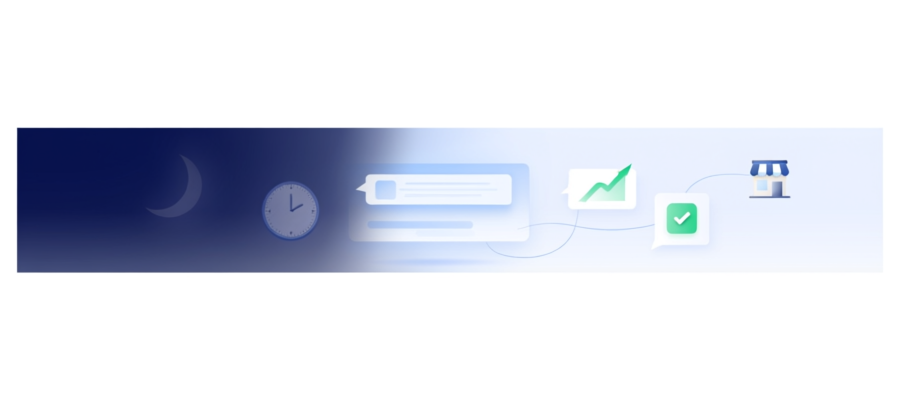
The 2 A.M. Client Who Got an Answer
The 2AM Client Who Got an Answer
It is 2 AM and your website is the only storefront open. A prospect scrolls your pricing page, hesitates, and types a question. No one answers. They tab to a competitor. That moment costs you a lead you never knew you lost.
I ran a small agency for three years. Every morning I woke up to at least three frantic emails from people who asked a question at midnight and got no reply. By the time I answered, half had already hired someone else. The lost revenue hurt more than the lost sleep.

That changed when I added a chatbot. Now those same questions get answered instantly, in my tone, from my knowledge base. The client who asks at 2 AM gets a clear reply and books a call the next morning. No panic, no delay.
You do not need a support team or a live chat service. You need one chatbot that knows your services, your hours, and your pricing. Prigmar's chat agent pulls directly from the content you already wrote. It does not guess. It answers.
The win is simple: you stop losing leads because you were asleep. Every question answered while you sleep is a deal that stays warm. One business owner I know recovered 10 hours a week and closed three extra deals in the first month.
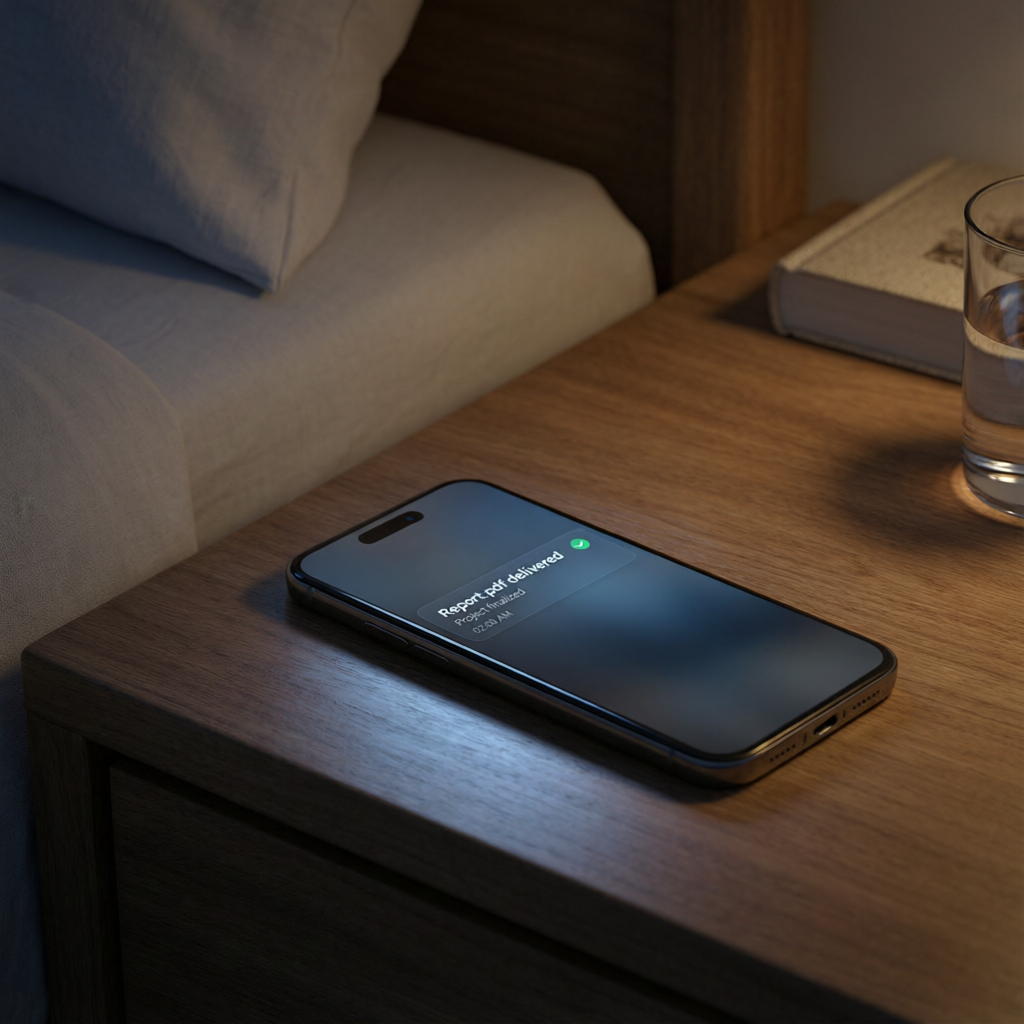
That is the difference between a website that collects dust and a website that works for you 24/7.
Why Small Business Owners Need a Chatbot That Works While They Sleep
Most small business owners treat their website like a digital brochure. They write a homepage, add a contact form, and hope someone fills it out. But a brochure cannot answer a question. When a prospect lands on your site at 10 PM with a specific need, the brochure does nothing.

I used to spend the first hour of every day replying to the same five questions. What are your rates? Do you work with remote teams? How long does onboarding take? The answers never changed, yet I typed them fresh every morning. That is lost time.
A chatbot changes that. You write the answers once. The chatbot delivers them in seconds. The prospect gets the information they need, and you get back to running the business. Everyone wins.
The real cost of unanswered questions is not just the time you spend typing replies. It is the trust you lose when a prospect waits hours and gets a generic autoresponder. They feel ignored. They go elsewhere.

With Prigmar, the chatbot learns from your existing content: your FAQs, your service pages, your blog posts. It responds in your brand voice, not a robotic script. The prospect feels heard, even when you are not there.
One client told me their chatbot answered a question at 3 AM that led to a $12,000 contract by noon. That deal would have evaporated if the prospect had to wait until 9 AM for a human reply.
How to Set Up Your Chatbot Without Hiring a Developer

You might think a chatbot sounds technical to set up. It is not. I am not a developer. I built my first Prigmar chatbot in twenty minutes using the knowledge base I already had.
Start by connecting your website. Prigmar integrates with most platforms without custom code. Then pick the chat agent from the dashboard. It asks for the sources of truth: your FAQs, your service descriptions, your policies. Paste in URLs or upload documents.
The chatbot reads that content and builds a response model. You review a few sample replies to tweak the tone. That is it. No training, no tagging, no machine learning degrees.

You also control when the chatbot steps in. I set mine to appear after a visitor spends fifteen seconds on the pricing page. That is the sweet spot between helpful and intrusive. The chatbot starts with a simple greeting and waits for the visitor to ask something.
If the chatbot cannot answer, it notifies you so you can follow up. That happened once in my first month. The question was specific to a custom project scope. I replied within an hour and closed the deal.
The setup cost is zero extra time beyond what you already invested in writing your website content. You do not need a developer, a designer, or a support team.