
One pricing page fix doubled conversions for a consultant.
A Confusing Pricing Page Costs You Sales
Confused visitors don't buy. When someone lands on your pricing page, they want a clear answer: what they get and what it costs. If they have to search for that or decode a messy table, they leave. You don't get a second chance.
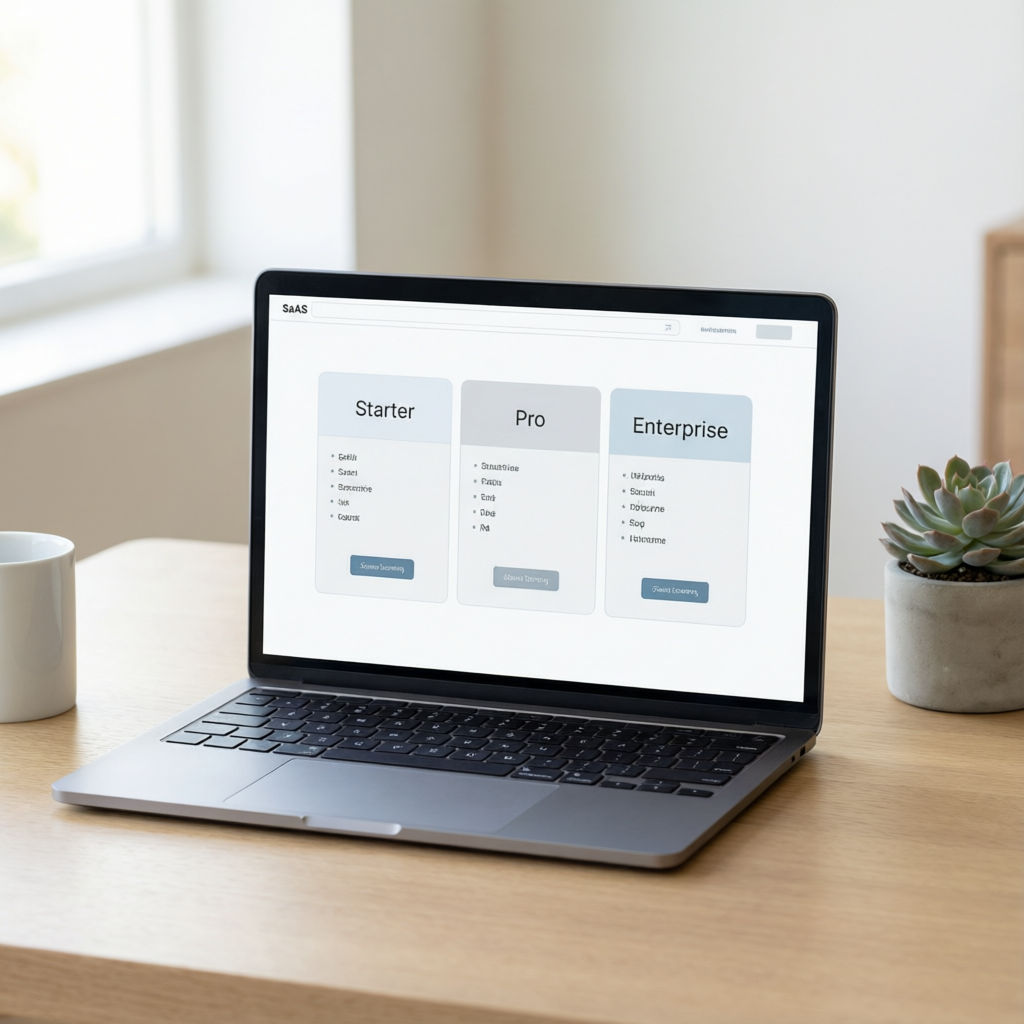
Take the consultant we worked with. His pricing page had three tiers with names that meant nothing to his prospects, Pro and Enterprise without context. Visitors couldn't tell the $99 plan from the $399 plan. His conversion rate was below 1%.
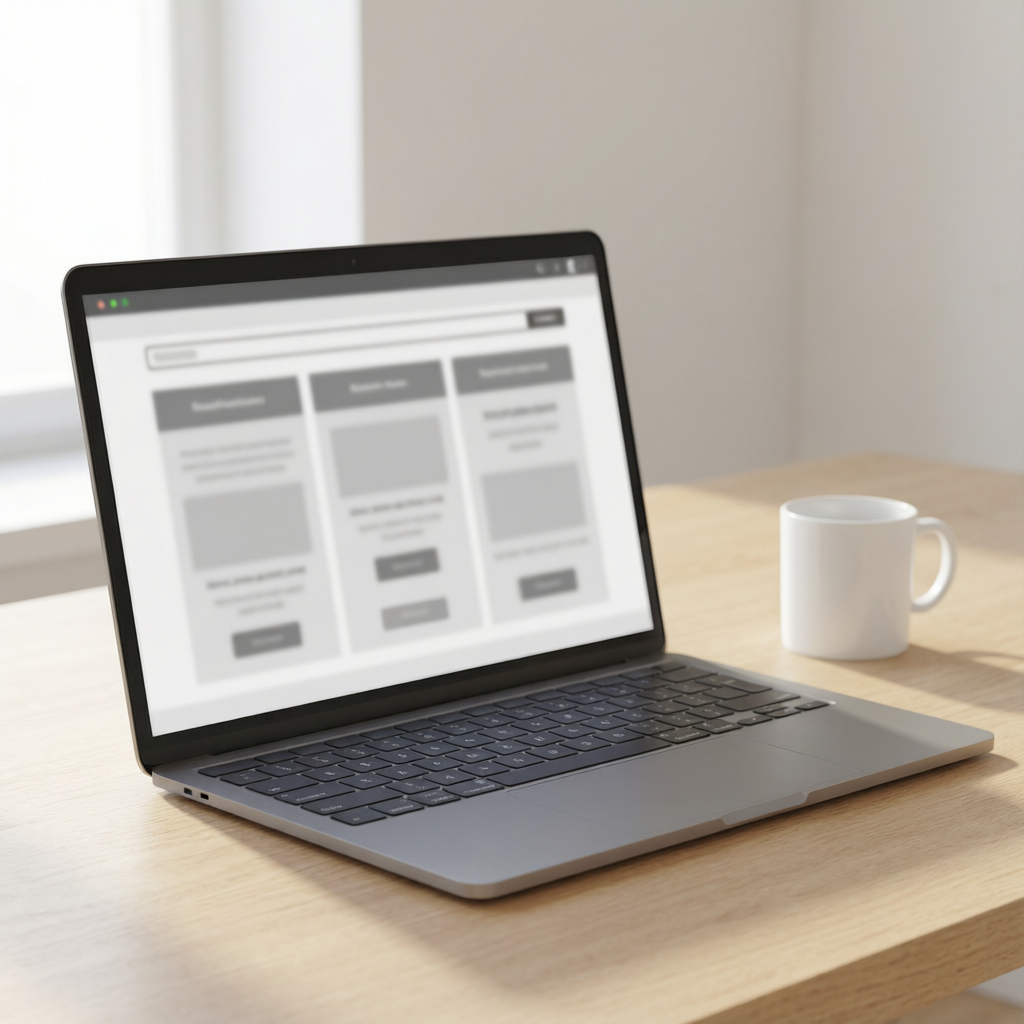
That's common for small businesses. But it doesn't have to stay that way. The fix wasn't a redesign or a discount. It was making the page speak his customers' language. When Prigmar's AI analyzed his page, it found the confusion points and suggested new copy.
Result: conversions doubled in two weeks. Same traffic, same pricing. Just clearer presentation. That's what happens when you remove friction. For a solo business owner, a confusing pricing page is a silent revenue killer you might not even notice.

What Prigmar's Mobile App Reveals About Your Pricing Page
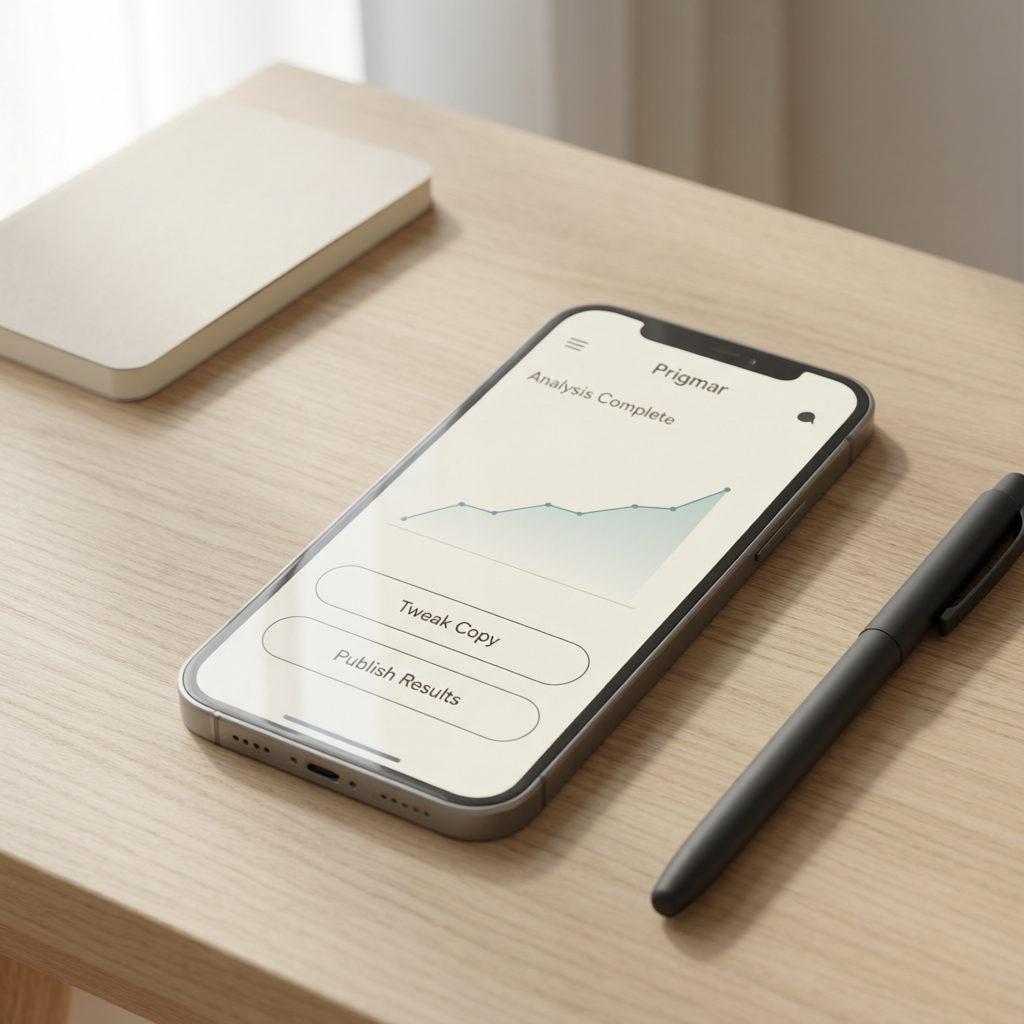
Prigmar does more than automate social media or email. One of its most useful features is analyzing your site content. The mobile app lets you audit your pricing page from your phone. Snap a screenshot or paste the URL, and the AI scans for clarity gaps.
It checks for feature parity across tiers, jargon that confuses visitors, and missing calls to action. For that consultant, the AI flagged that his top tier didn't explain how it was different from the mid-tier. Prospects assumed it was overpriced.
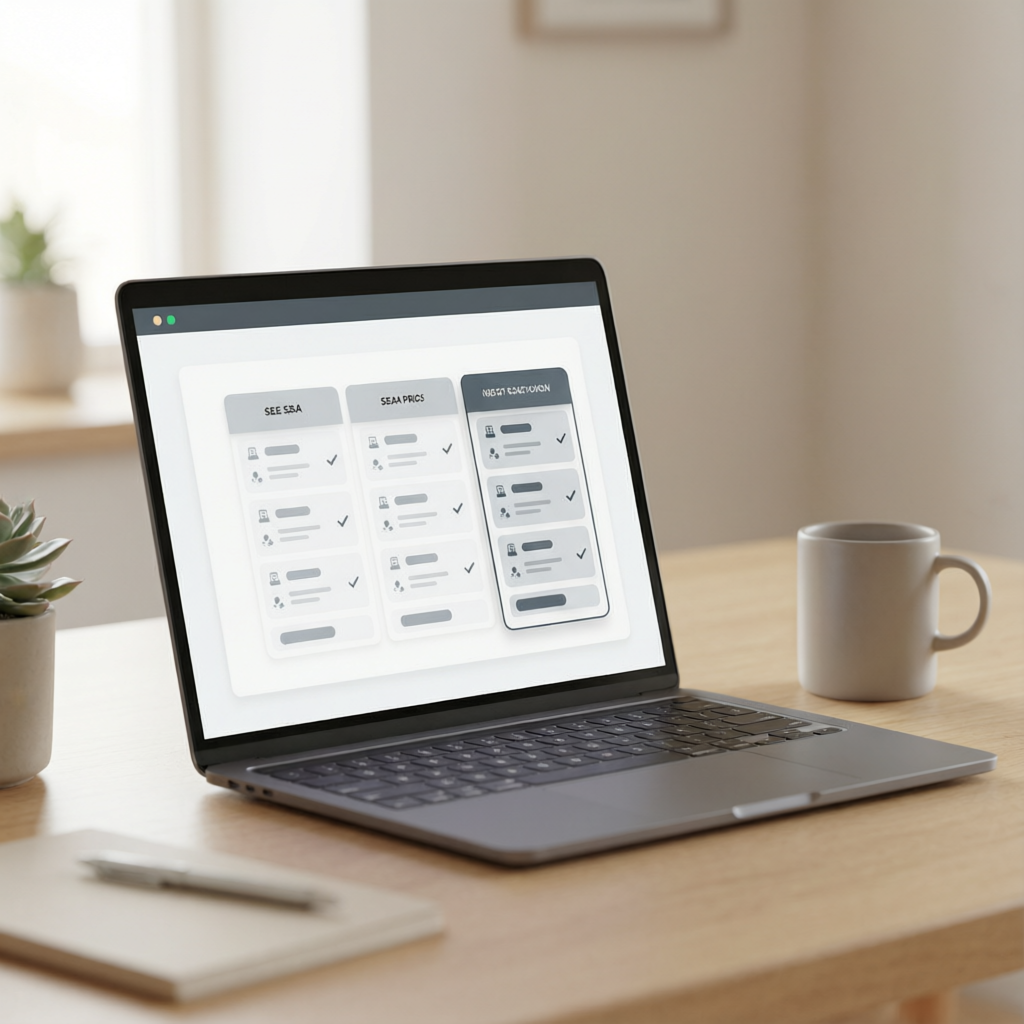
Once the AI suggests improvements, you approve or edit them in the app. Then the changes go live. No developer needed. No waiting days for a redesign. You fix the problem in minutes.
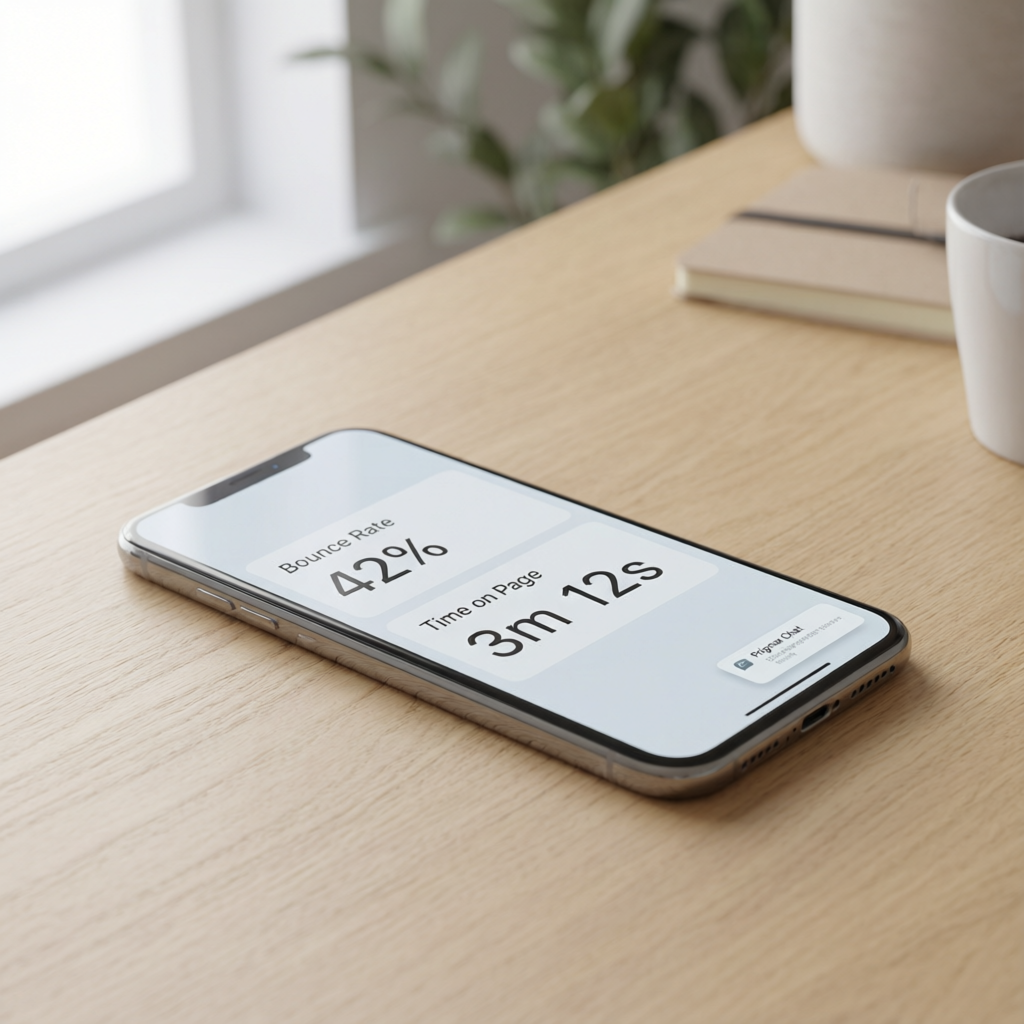
After the fix, the mobile app lets you monitor performance. You see bounce rates and time on page. If visitors still leave without acting, your Prigmar chat agent can step in with a gentle nudge. That's where the real conversion lift happens.
How to Test and Optimize Your Pricing Page Over Time
One fix might double conversions, but the best pricing pages are never final. They evolve as your offers change and customer behavior shifts. With Prigmar, you can set up ongoing optimization without constant attention.
Use the SEO agent to research what questions prospects ask before buying. Add those answers to your pricing page. Then let the chat agent handle real-time objections. When someone lands on pricing and hovers over a tier, the chat can ask, Need help choosing? That small interaction often closes the deal.
You can also gather feedback. The newsletter agent can ask subscribers what they found unclear about your pricing. Use that intel to iterate. The CRM agent can flag when a lead visited pricing multiple times without converting, so you can send a follow-up offer.
Prigmar's mobile app makes this testing cycle simple. Run an analysis, tweak copy, publish, and track results, all from your phone. No spreadsheets. No complex tools. Just a direct path to more conversions.
Remember: the goal isn't to trick visitors into buying. It's to remove confusion so they can decide faster. Confusion kills conversions. Clarity creates them.