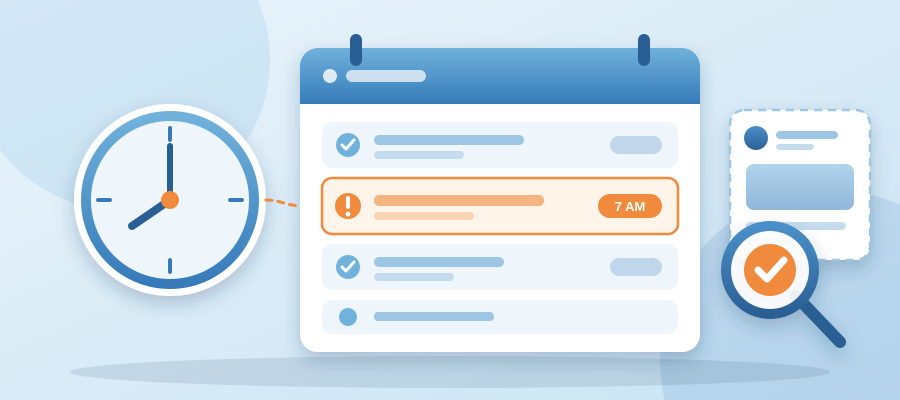
Your 7 AM Post Didn't Go Out. Nobody Told You. Here's the Check That Catches It.
Your 7 AM post didn't go out. Nobody told you.
You wake up, pour coffee, open your phone. The feed looks fine. It always looks fine. What you don't see is that the post you queued last night at 11 PM never left the queue. It's sitting in drafts. Or it failed on a token. Or the scheduler's connection to that one channel dropped three days ago and you never knew. Nobody told you. That's the part that stings.
Here's what usually happens next. You go about your day. You answer emails, quote a job, chase a late payment. By Thursday a client mentions they haven't seen you post in a while. You check. The last post went out five days ago. Your 7 AM slot has been empty since Monday. You missed four posts. You feel that small drop in your stomach, the one that says you just lost a week of visibility you can't get back.
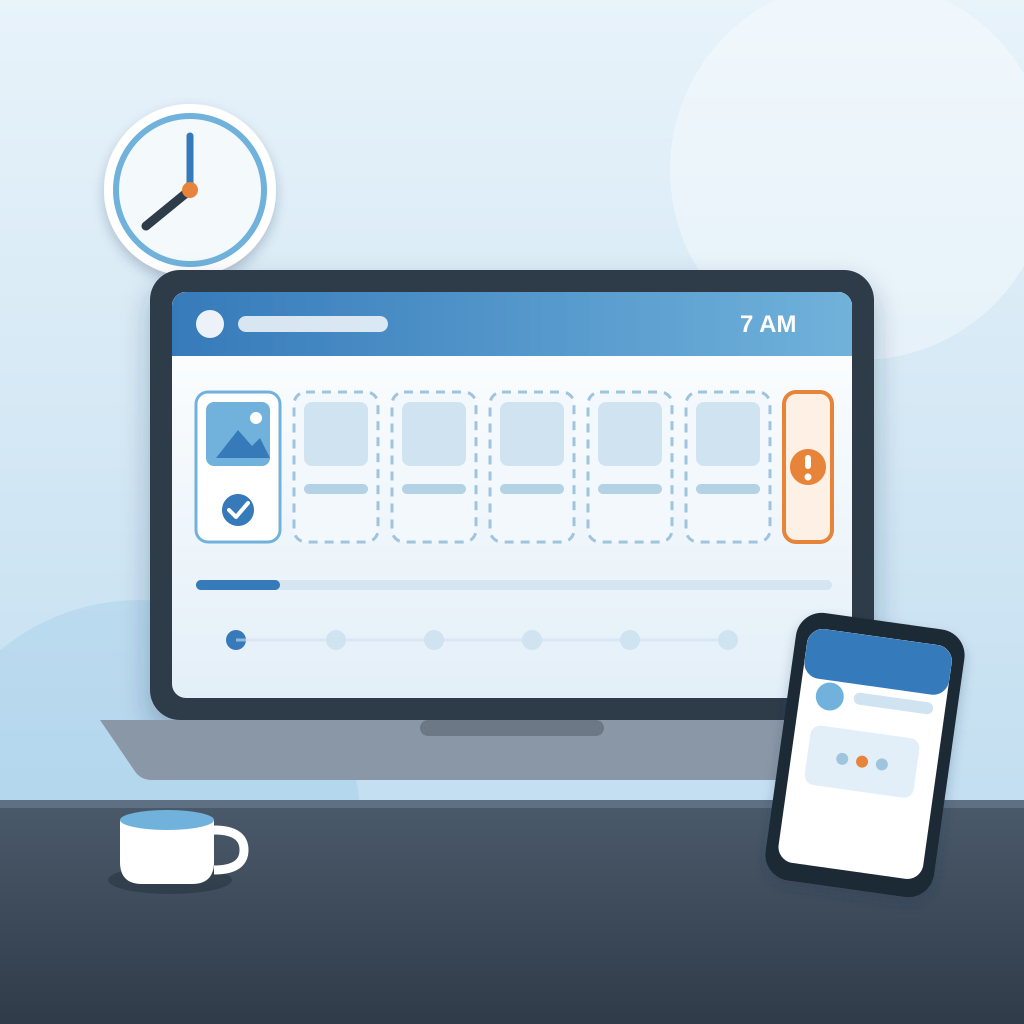
The problem isn't that the scheduler failed. It's that a failure in a solo business has no witnesses. There's no team standup where someone says, hey, the Tuesday post didn't fire. There's no community manager checking the queue. There's you, and you were busy doing the work that actually pays. A missed post is invisible until a customer notices. And by then the damage is done.
That's why a check matters more than another scheduler. A scheduler assumes the work went out. A check assumes it might not have, and looks. It compares what you planned to publish with what actually published, then tells you when the two don't match. Plainly. Not a dashboard you have to remember to open. A note that says: 7 AM post didn't go out. Here's the draft. Want me to retry?
That one sentence is the difference between a week of silence and a morning you fix in 30 seconds. The feed stays warm. The customer never notices. You never have to draft the apology post explaining where you've been. The work ships, or you're told it didn't, and you decide what happens next.
Why solo owners miss the miss (and why it's not your fault)
You're not lazy. You're running the whole thing. Marketing, invoicing, client work, the phone. The scheduled post is the one task you handed off to a tool precisely so you could stop thinking about it. That's the deal you made. The tool posts, you work. So when the tool doesn't post, you don't know, because you did exact what you were supposed to do: you stopped checking.
The failures are also quiet by design. A token expires. A channel reconnects as a different account. An image gets flagged. A time zone shifts by an hour. None of these throw a red banner across your screen. They just fail, silently, and the queue moves on like nothing happened. Most tools send a failure email that lands in the same inbox as the newsletter you never read. Easy to miss. Easier to ignore.
And the feedback loop is slow. A customer takes days or weeks to notice your feed went quiet. By then you've lost the compounding effect of daily posting, which is the whole reason you set the cadence in the first place. The algorithm cooled. The audience drifted. The post you wrote on a Sunday night did nothing because it never existed.
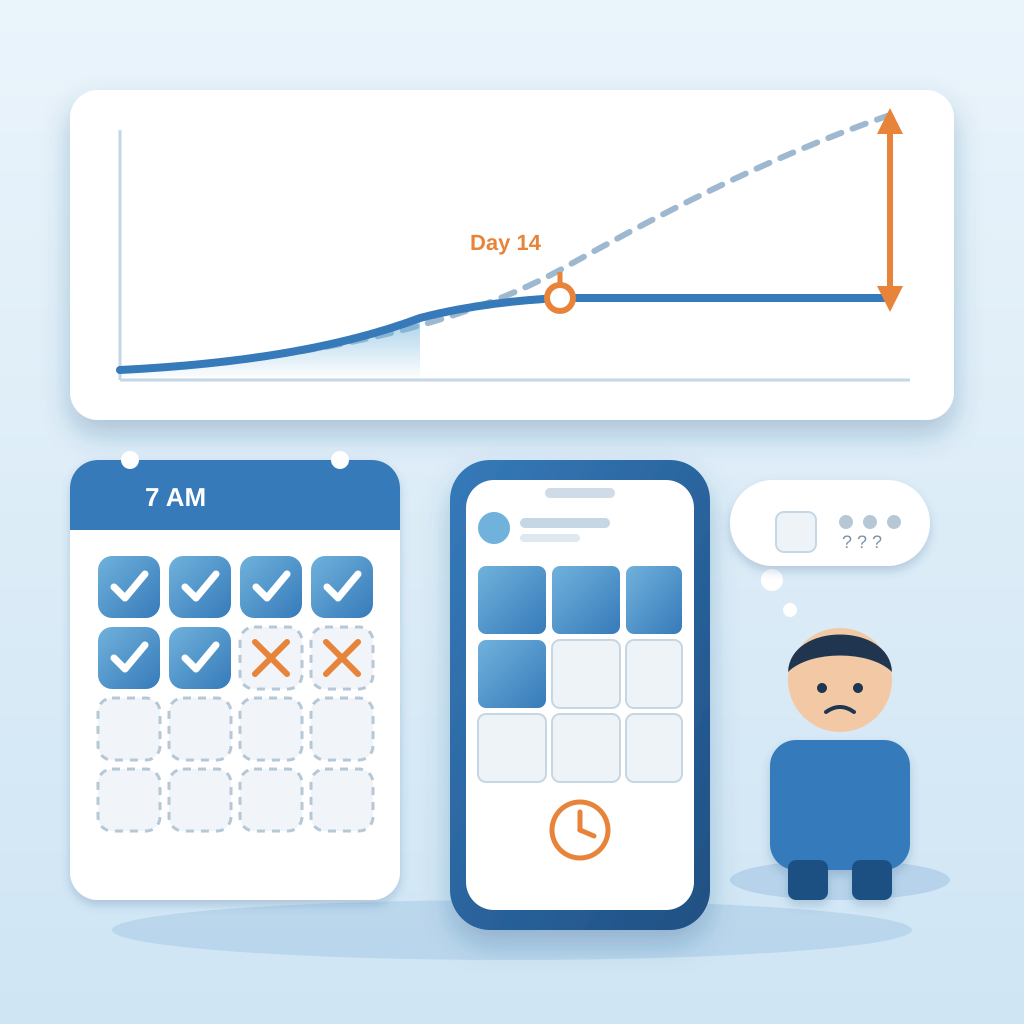
This is the same failure pattern that shows up elsewhere in a solo business. The invoice that didn't send. The follow up that didn't fire. The chat message nobody answered at 11 PM. The tool was supposed to handle it, so you stopped watching, and the tool quietly didn't. The fix isn't to watch harder. It's to build a check that watches for you and tells you in plain language when the work didn't ship. That's what Prigmar does across the whole set of jobs, not just posts. If you want the plain answer on how it's priced before you go further, the prigmar price page lays it out, and how much does Prigmar cost comes down to one subscription covering nine agents instead of nine tools.
The check: what it looks at, and what it tells you
The check is simple. It compares your plan to your published feed. Every channel you've connected has a queue of posts you approved or set to auto-publish. The check reads that queue, reads what actually went live, and flags the gap. If the 7 AM post is in the plan but not on the feed, you get a note. If a channel hasn't published in three days and it should have, you get a note. If a post went out but the image failed, you get a note. No dashboard to interpret. No log to read. A short message with the specific miss and a one-click retry.
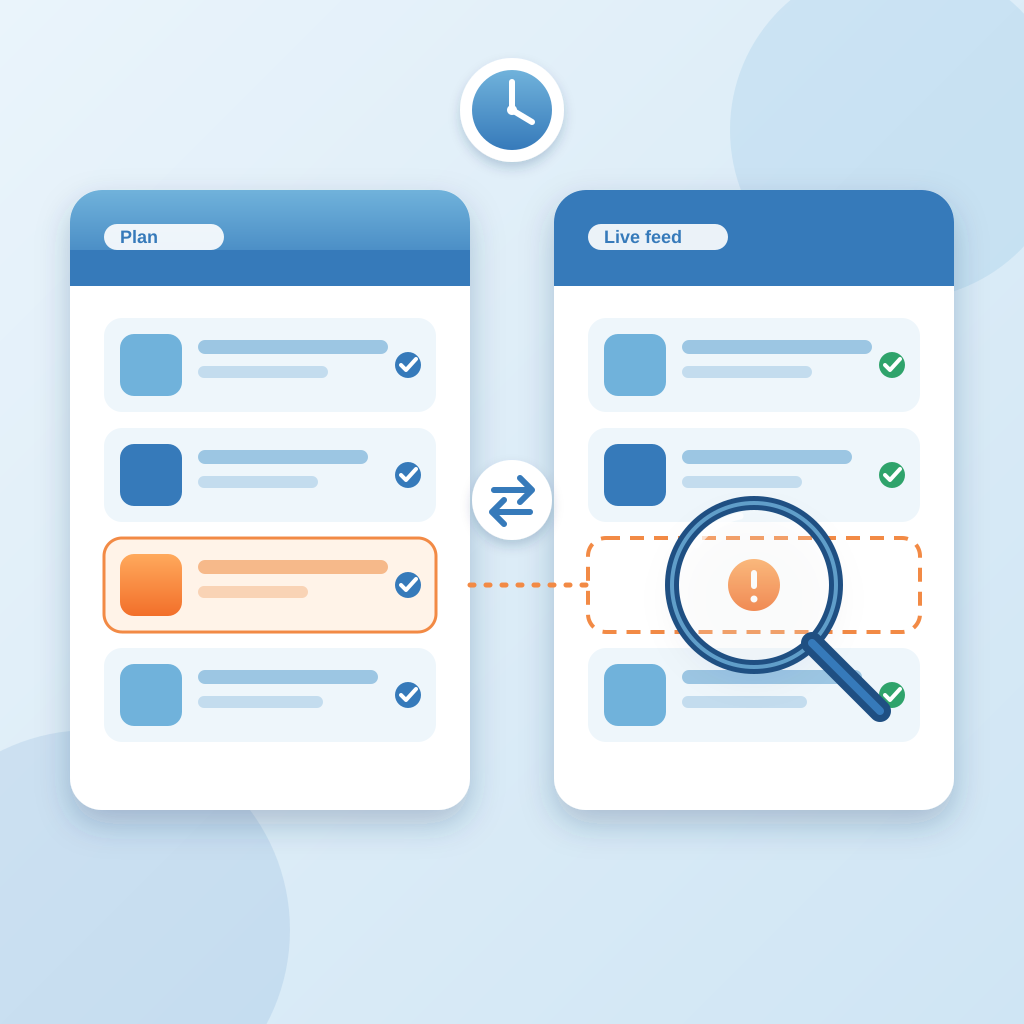
What it tells you matters as much as what it doesn't. It doesn't send you a weekly analytics essay. It doesn't ask you to rate your experience. It tells you what failed, what to check first, and whether it can retry on its own. Most misses are a reconnect. Some are a permission. A few are a post that needs a one-word edit before it can ship. The note names which one so you're not guessing at 7:15 in the morning.
When a worker job fails, the note is plain by design. Here's what failed: the 7 AM LinkedIn post. Here's what to check first: the account connection, which expired Tuesday. Here's how to get the cadence back on track: retry the post now, and the next two scheduled posts will follow at 7 AM as planned. No jargon about tokens or scopes. Just the next three moves.
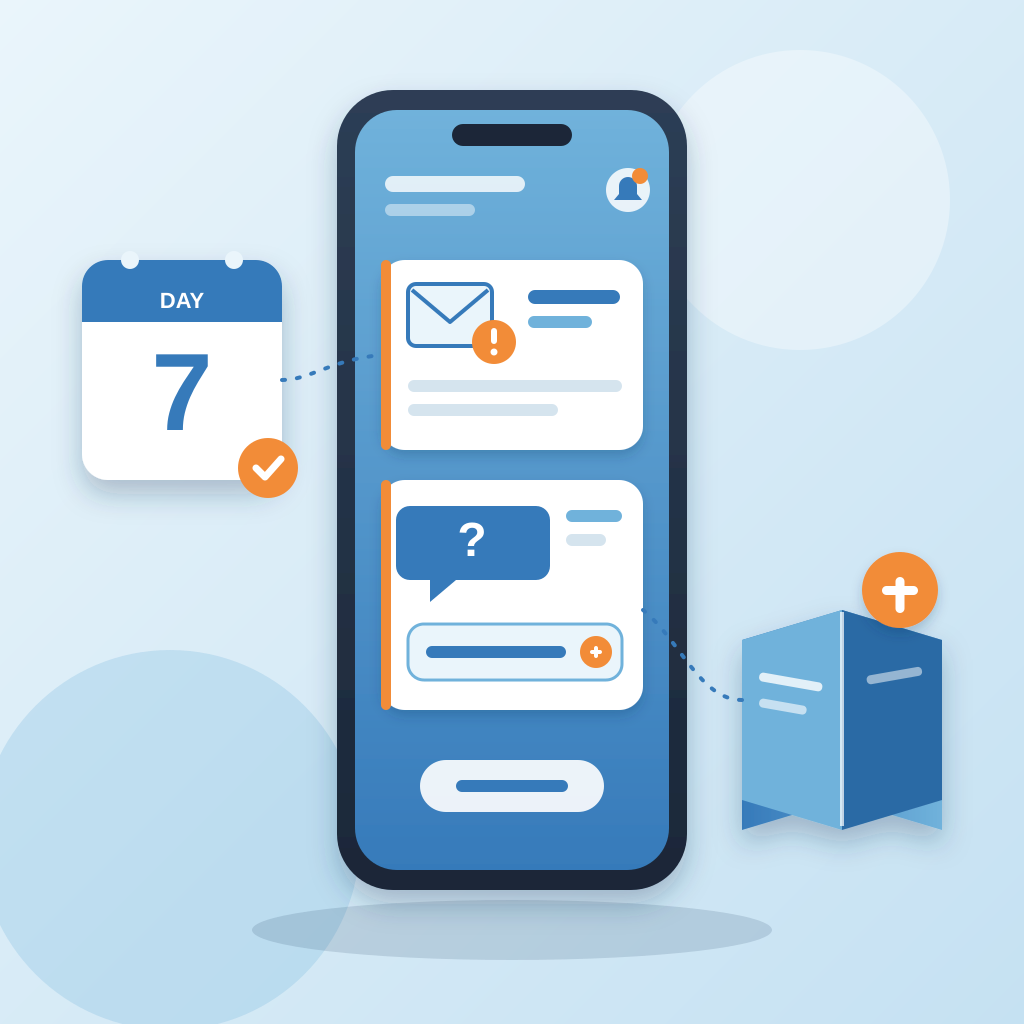
The same check runs on the other jobs. If the invoice reminder for day 7 didn't send, you're told. If the chat agent couldn't answer a question because the knowledge base didn't cover it, you're told, and you can add the answer in a sentence. If the SEO article didn't publish because the site connection dropped, you're told. The point is one place that tells you when the work didn't ship, so you're not the only witness in the building. For owners who want to see the check run on a real schedule, the prigmar webinar schedule is where the team walks through the queue live, including a failed post and the retry.
How to get your cadence back on track after a miss
First, don't panic-post. A missed post is not a crisis. It's a gap. The worst response is to dump five posts in an hour to make up for lost time. That looks like a bot and reads like an apology nobody asked for. The better move is to retry the one that missed, then let the next scheduled post land at its normal time. The rhythm matters more than the volume. Your audience notices consistency, not the count.
Second, check the connection that failed. Nine times out of ten a missed post is a channel connection that expired or changed. Reconnect it once, and the queue resumes. If the post failed because of an image or a flagged word, edit that one post, retry it, and move on. If it failed because the time zone shifted, correct the schedule and the next slot fixes itself. The check tells you which of these it is, so you're not opening five tabs to find out.
Third, decide what you want to happen by default. You can approve the retry yourself, or you can let it auto-publish once the connection is fixed. There's no wrong answer, only what fits how you work. The point is that the decision is yours, not the tool's, and it's made with the failure in front of you instead of buried in a log. Prigmar ships the work either way. You either approve it or you don't.
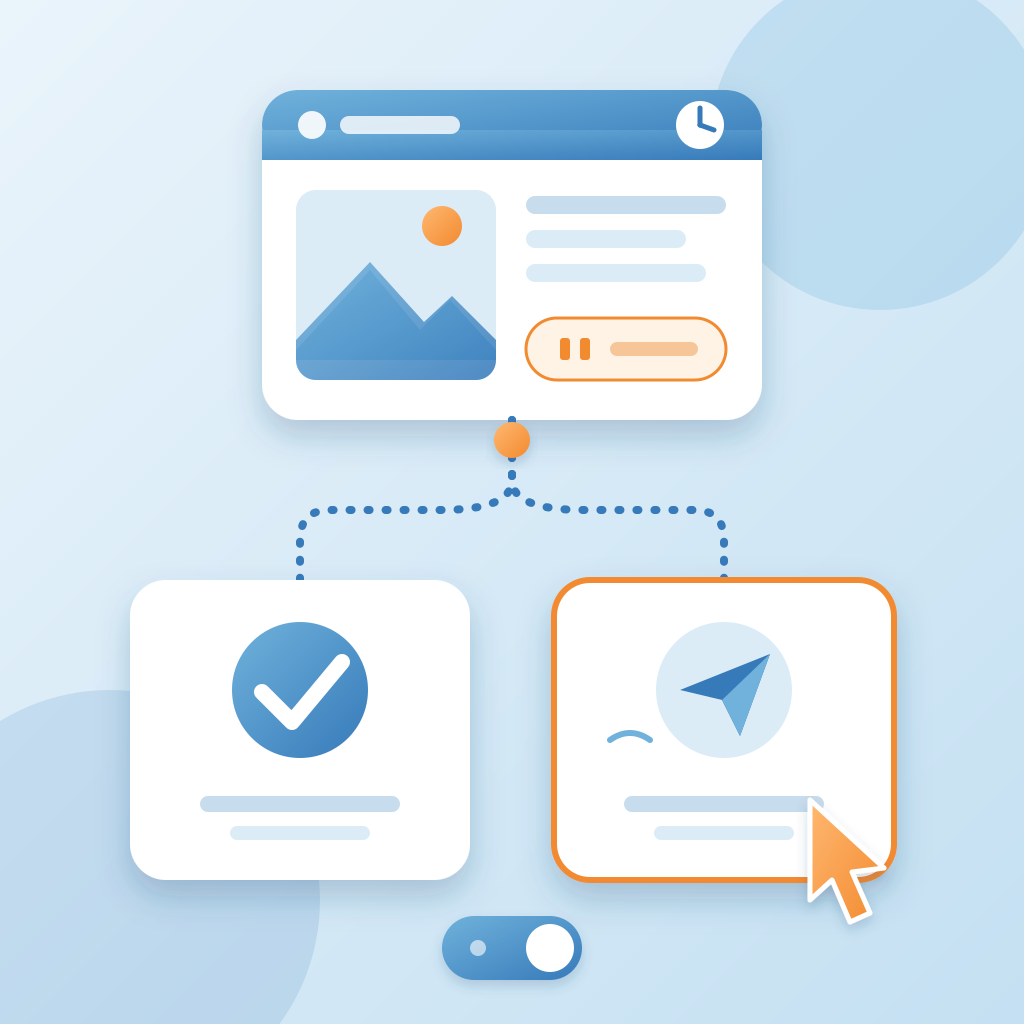
Fourth, look at the pattern if the same slot keeps failing. A 7 AM post that misses every Monday is usually a weekend scheduling issue, not a content issue. Fix the schedule once and it stops. That's the part that saves you the most time over a year. One check, one fix, one fewer thing to remember. The feed stays warm. The customer never notices. You go back to the work that pays. If you also run webinars for lead generation, the same check applies to the reminder emails and the follow up sequence, which is one of the things covered in how to run a webinar for lead generation without the post-webinar silence. The prigmar customer service and prigmar customer support contact pages are there if the connection issue needs a human, and the answer usually comes back the same day.