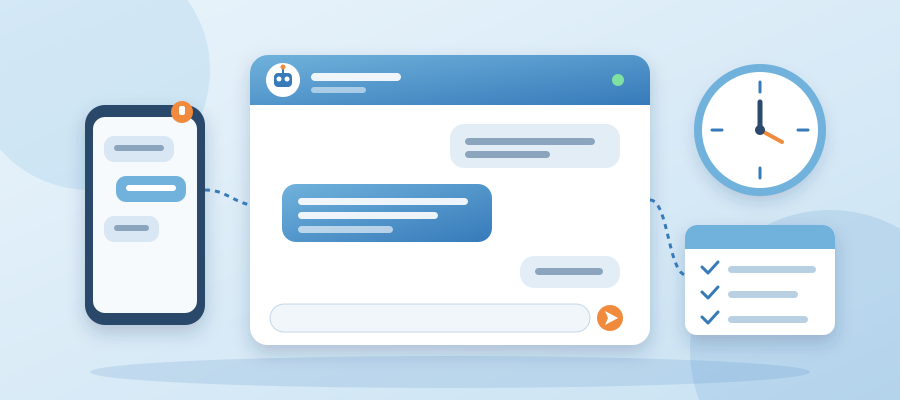
The Chat Agent as the First Responder Who Never Needs to Be Caught Up
The honest reason you screen questions after hours
Here's the honest part. You see the notification at 11:40 PM and you let it sit. You do care about the buyer. You've just been answering the same 3 questions since 7 AM, and you're done being the only person who can. That's a reasonable feeling. It's also a business problem dressed up as a personal one.
The buyer doesn't know you're tired. They know they asked whether you can start next week and nobody answered. They'll wait a few minutes. Then they'll open another tab and book with whoever replies first. So the question isn't whether you care. It's whether anyone on the other end can answer in the next 9 seconds.
Most tools help you post. They schedule a tweet or write a caption. None of that answers a person asking a direct question at 11:40 PM. That's the gap most solo owners live in. You have a publishing tool, a payment tool and an email tool. Not one of them can tell a visitor whether you have availability next week.
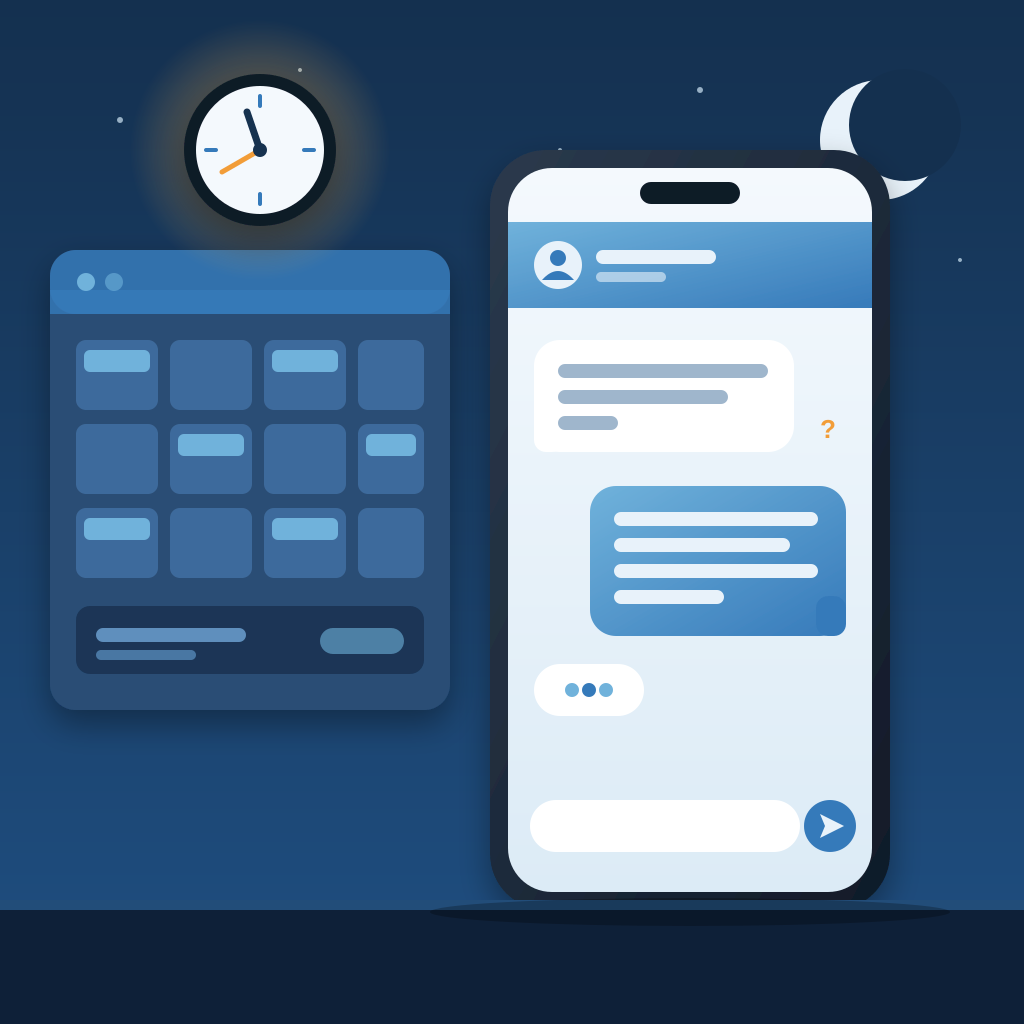
So you screen. You answer in the morning. You tell yourself the lead probably wasn't serious. Sometimes that's true. Often it isn't. The buyer who asks a specific logistics question at 11:40 PM has usually already decided. They're checking one last detail before they commit. That's the worst person to leave waiting.
You don't need to be on call. You need a first responder who already knows the answers you'd give. It hands you the conversation only when the question is yours to settle. That's a much smaller job than being available 24/7, and a chat agent can do it.
What a drop-in widget actually does
The chat agent is a drop-in widget. Drop it on your site, give it a name, and point it at the knowledge base you already have. That could be your FAQ page, your service descriptions, your pricing notes or your onboarding emails. You don't write a script. You don't predict every question. It answers from what you already know.
When a visitor asks whether you can start next week, the agent doesn't guess. It checks your knowledge base, finds the answer you'd give, and replies in your voice in about 9 seconds. The visitor gets a real answer, not a canned 'Thanks for reaching out, we'll get back to you.' They get the actual next step and the actual yes or no.
If the visitor asks something only you can settle, the agent hands off. One click and you take over the conversation from where it left off. The visitor doesn't repeat themselves. And if you're away, the visitor can leave an email and get a reply from you later.
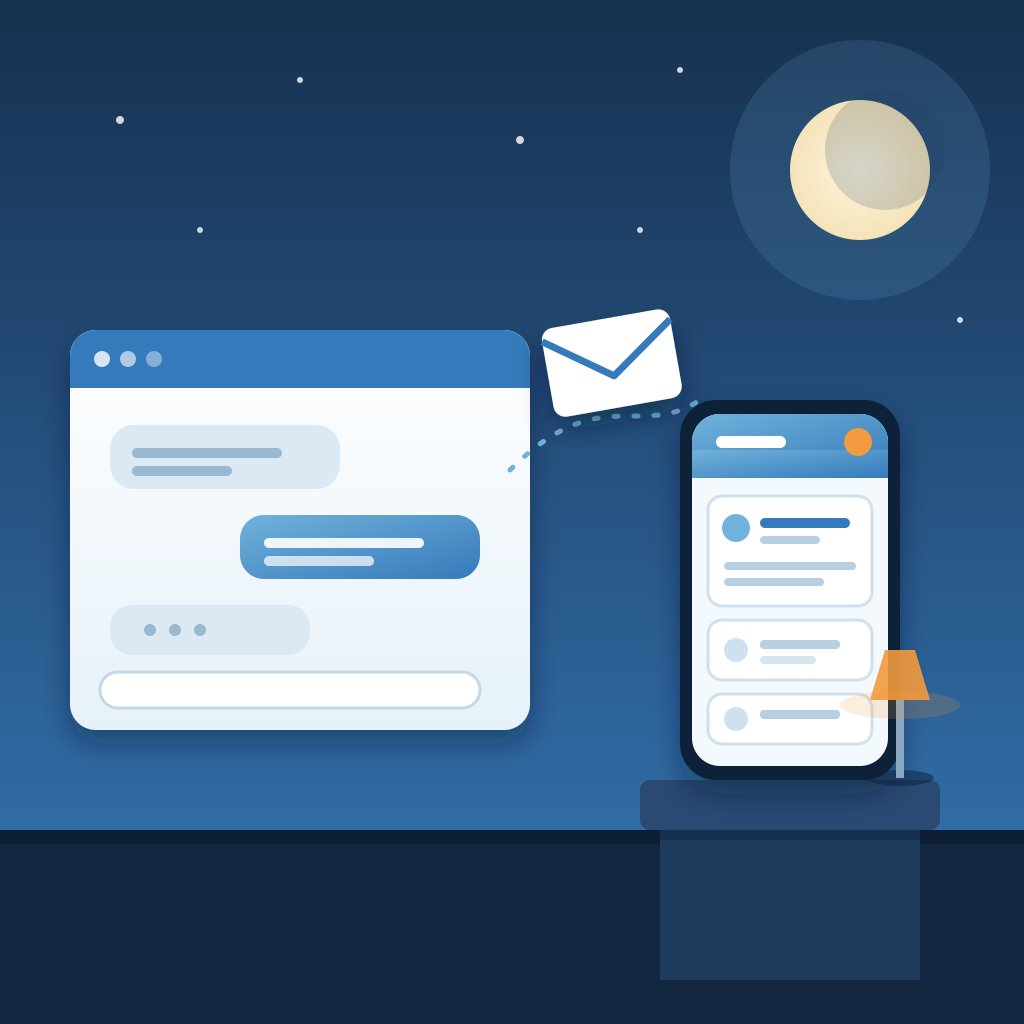
This is different from a generic bot that answers the same five questions and then dead-ends. The agent is grounded in your knowledge base, so it stays in your lane. It doesn't invent policies. It doesn't promise things you didn't promise. When it hits the edge of what it knows, it hands off. Most owners care about that part most.
If you want the walkthrough, it's at app.prigmar.com/learning. It shows you how to add the widget, name the persona, connect the knowledge base, and set up human takeover and reply by email. It takes a few minutes to watch and less than that to do.
Why the knowledge base is the whole game
A chat agent is only as good as what it knows. That sounds obvious, and it's the step most owners skip. They buy a bot, point it at nothing, and wonder why it sounds like a stranger. The agent that works is fed your actual material: your service pages, your pricing, your turnaround times, the answers you've typed into emails a hundred times.
You already own that knowledge. It's in your sent folder and your FAQ. The work isn't writing new content. It's pointing the agent at what you have. Once it's connected, you answer the same 3 questions zero times instead of 14. The visitor gets the answer in seconds, at any hour.
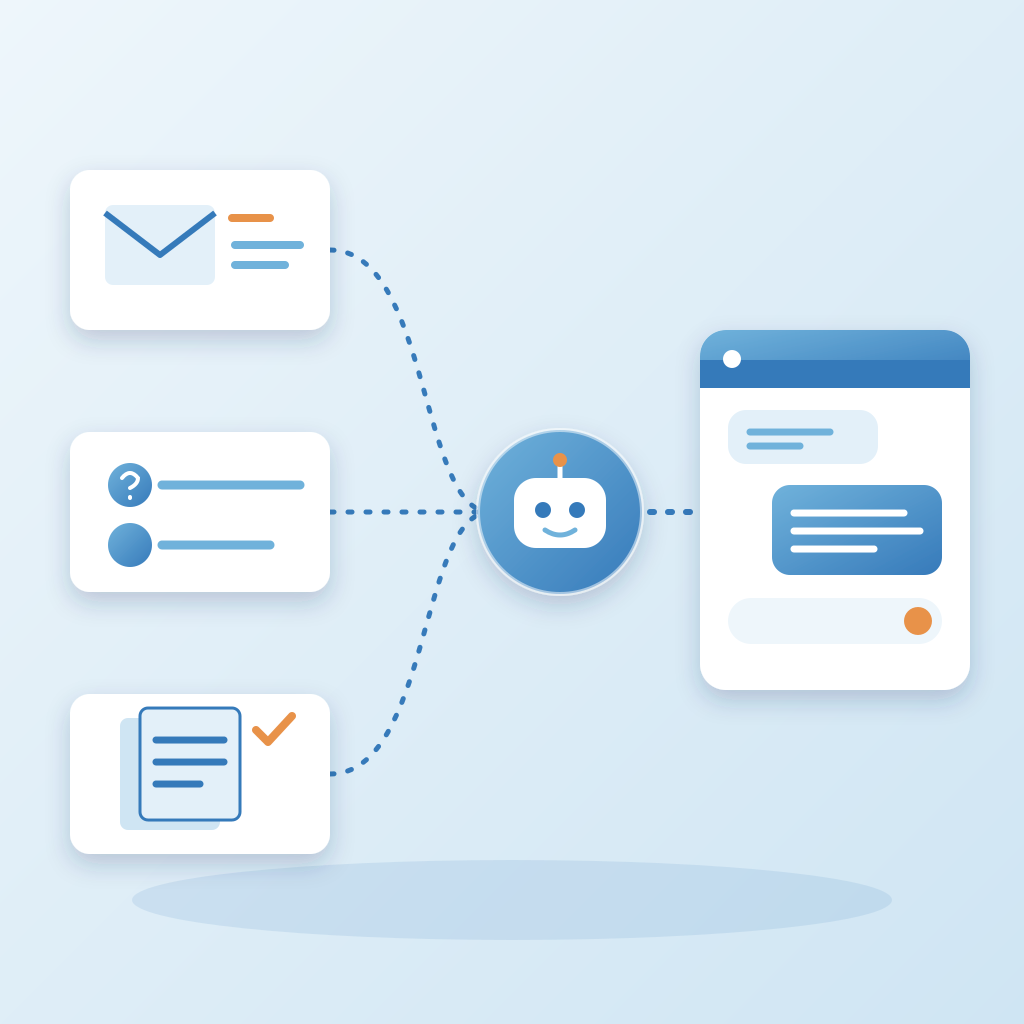
The voice matters here too. A generic bot sounds like a generic bot. An agent grounded in your material sounds like you. It uses your phrasing and your level of formality. A buyer who gets a stiff, scripted reply at midnight may not wait around to see if the real you shows up later.
The same grounding runs across the rest of Prigmar. Posts, articles, chat replies and emails all stay in one learned brand voice. So the person who read your last newsletter and then lands on your site hears the same voice in the chat window. Consistency is quiet. Its absence is loud.
The tool is the same for everyone. The input is what changes the outcome. If you're comparing options and reading Prigmar G2 reviews, look at how each reviewer set up their knowledge base. That tells you more than the star rating does.
The handoff is the part that makes it safe
Most owners fear the agent will say something wrong. That fear is healthy. The answer isn't to avoid the agent. It's to build a handoff you trust. When the agent hits a question it can't answer from the knowledge base, it stops. It doesn't guess. It hands the conversation to you.
One click and you're in the thread. You see what the visitor asked, what the agent said, and where it stopped. You pick up from there. Nobody starts over. That's the difference between a handoff that feels like service and one that feels like a bot failing.
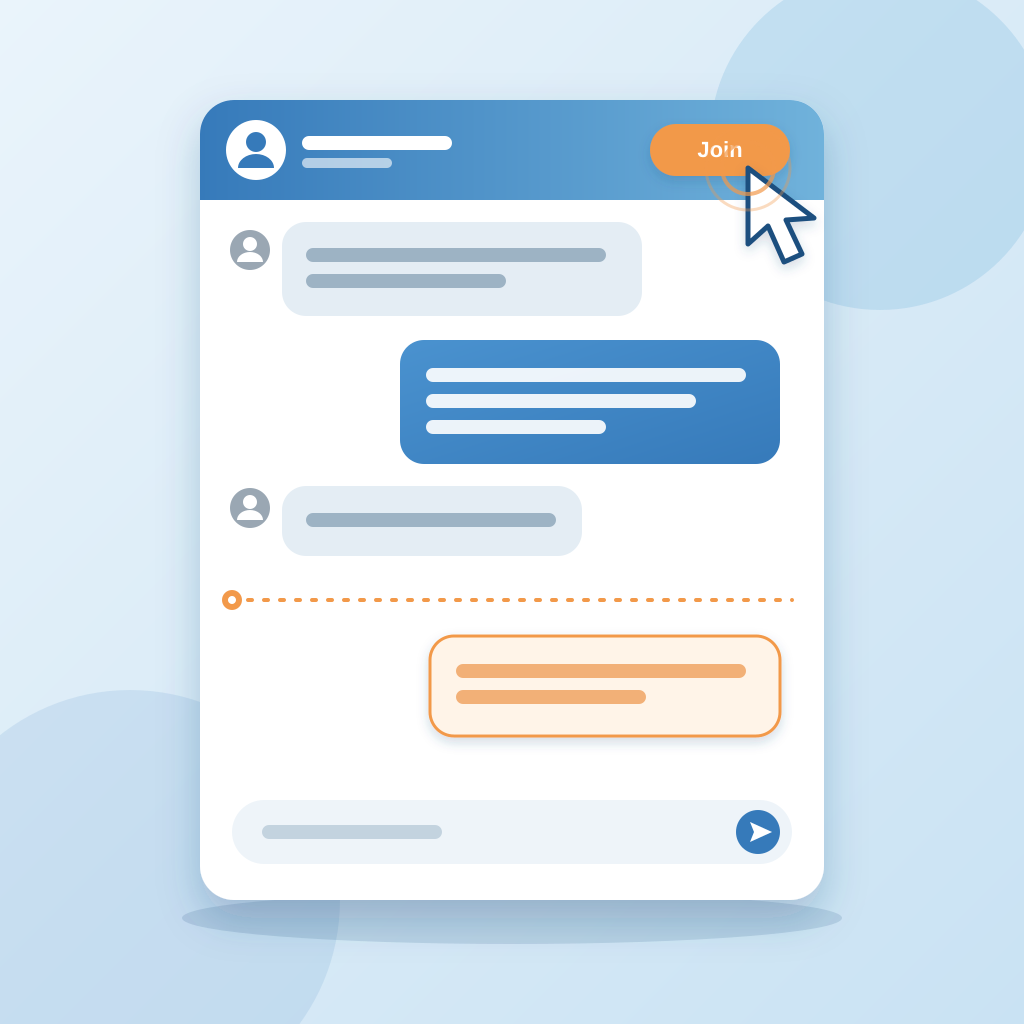
Reply by email covers the rest. If you're not at your desk, the visitor can leave their email and get a reply when you're back. The 11:40 PM question becomes a 7:00 AM answer without you waking up. The buyer gets a response. You get your night.
This is also where the job check earns its keep. A scheduled post or job can fail silently. The job check catches a failed worker job in 2 minutes. Not 6 hours later, when your feed goes quiet or a client emails to ask why nobody replied. Those 2 minutes are the difference between a small fix and a cold lead.
Every handoff stays visible, and every reply stays in your voice. That's what makes the agent safe to leave running. You're not handing the keys to a stranger. You're handing the first response to something that knows your material and knows when to stop.
What this changes for the rest of your week
The chat agent is the first responder, but Prigmar does more than chat. Once the widget is live, the same subscription posts, ranks, follows up leads and chases invoices. The after-hours buyer gets answered, the lead gets followed up, and the invoice gets chased. You're no longer the only one doing the work.
The cost question comes up fast. How much Prigmar costs depends on which agents you turn on and which channels you connect. You pick the agents you want, connect your channels, and either approve the work or let it auto-publish. You can change that per channel whenever you like. For current Prigmar pricing plans, check the plans page in the app.
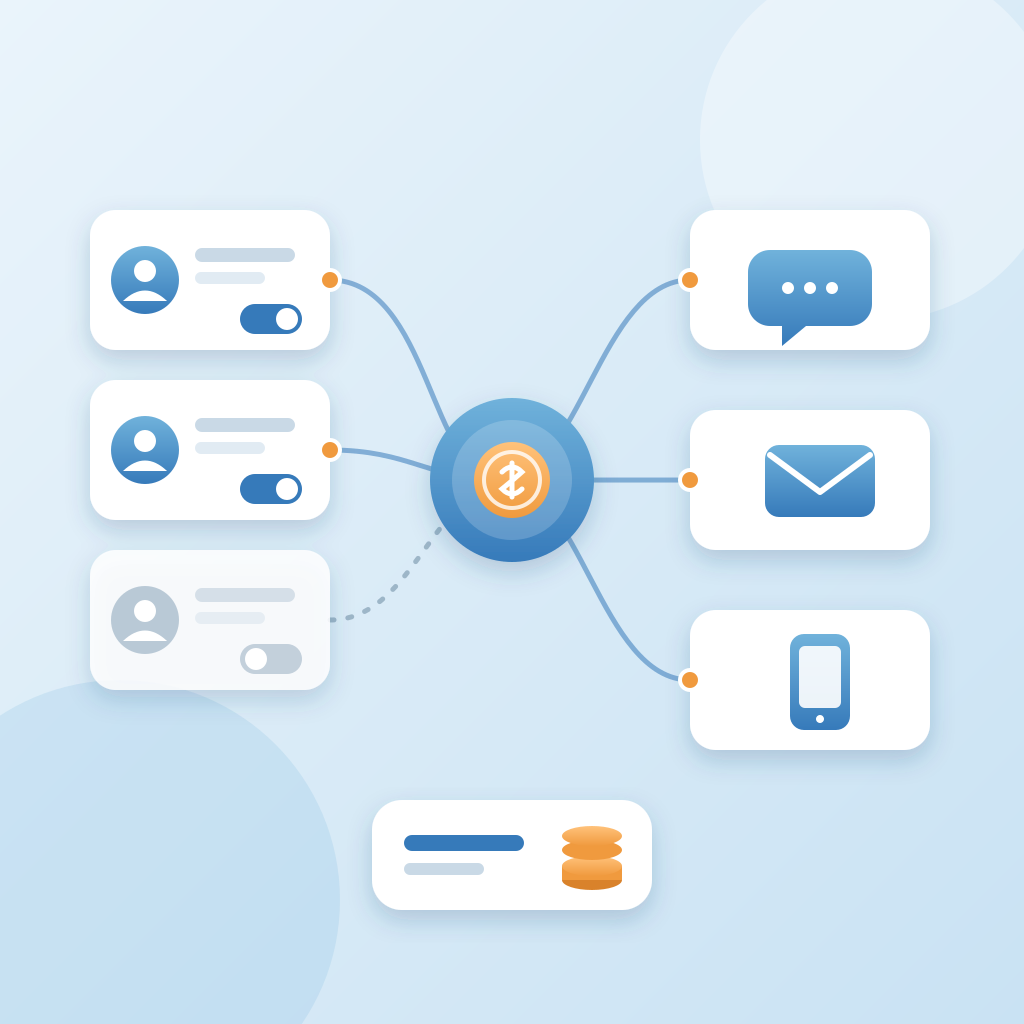
For marketing agencies, the same setup can cover several client sites. Each client gets a widget grounded in their own knowledge base. The account manager stops answering the same 3 questions for every client and reviews only the threads that need a human. For real estate agents, the 11:40 PM question is usually about a listing, a showing or a timeline. The agent answers from the details you've given it, and the buyer gets a reply before they call the next name on their list. Prigmar for real estate agents is less about the bot and more about the showing that gets booked while you sleep.
If you're also running SEO, the same knowledge base feeds your articles. AI SEO tools for small business owners usually stop at keyword suggestions. The useful version connects the content to the chat agent and the CRM. The person who found you on Google gets the same answer in the chat window that the article promised.
The week changes in small ways. You stop checking your phone at dinner to see if anyone asked a question. You stop writing the same reply 14 times. You stop losing the buyer who asked at 11:40 PM and bought at 8:00 AM from someone else. None of it is dramatic. The work just moves off your desk.
The takeaway
You don't need to be on call. You need a first responder who already knows what you know and hands off when the question is yours. That's the whole idea. A drop-in widget, grounded in your knowledge base, answering in your voice in about 9 seconds, with one-click human takeover and reply by email. The 11:40 PM visitor gets a real answer. You get your night.
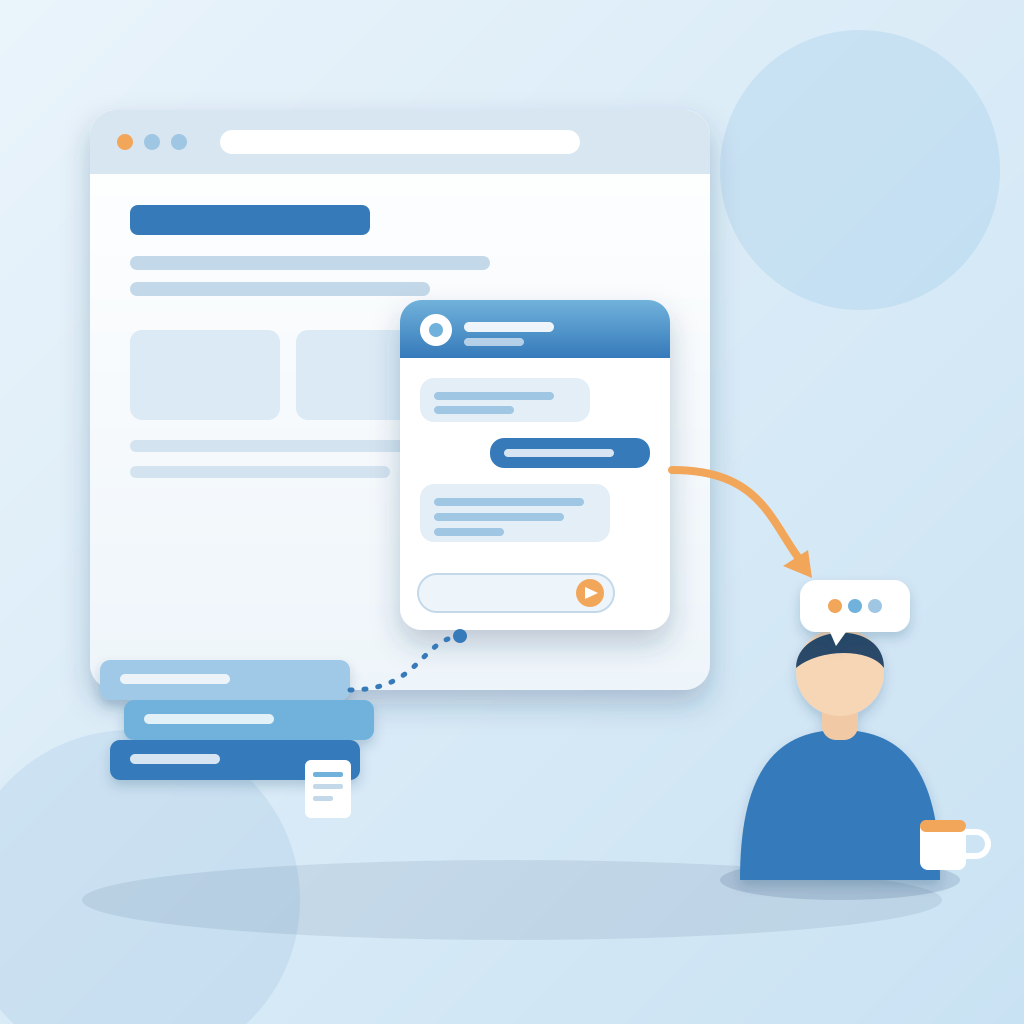
Here's the honest part. Most owners screen after-hours questions because they don't want to be on call. That's fine. The chat agent isn't you on call. It's the version of you that has already answered the question a hundred times, now talking to the person asking it for the first time. You approve the work or let it publish. You take over when it matters. The rest runs.
Start with the widget. Watch the walkthrough at app.prigmar.com/learning. Connect the knowledge base you already have. Name the persona and set the handoff. Then see what happens at 11:40 PM when you're not looking. The buyer gets an answer. The lead stays warm. Receipts, not promises.