Invoice reminders that don't feel like a chase
The 5 A.M. Invoice Reminder That Saves the Relationship
The email lands at 5: 03 A.M. Your client is still in bed, but their inbox is the first thing they'll check. The subject line reads. Invoice #2042: One small thing. It's not demanding, not passive-aggressive. Just a gentle nudge. By 9 A.M., the payment is in your account.
You didn't draft that reminder at midnight. You didn't count days or calculate tone. Prigmar did. It sent a polite reminder on day 3, a firmer one on day 10, and the client paid on day 17. Each message was pre-approved by you. You stay in control of the words, not the timing.
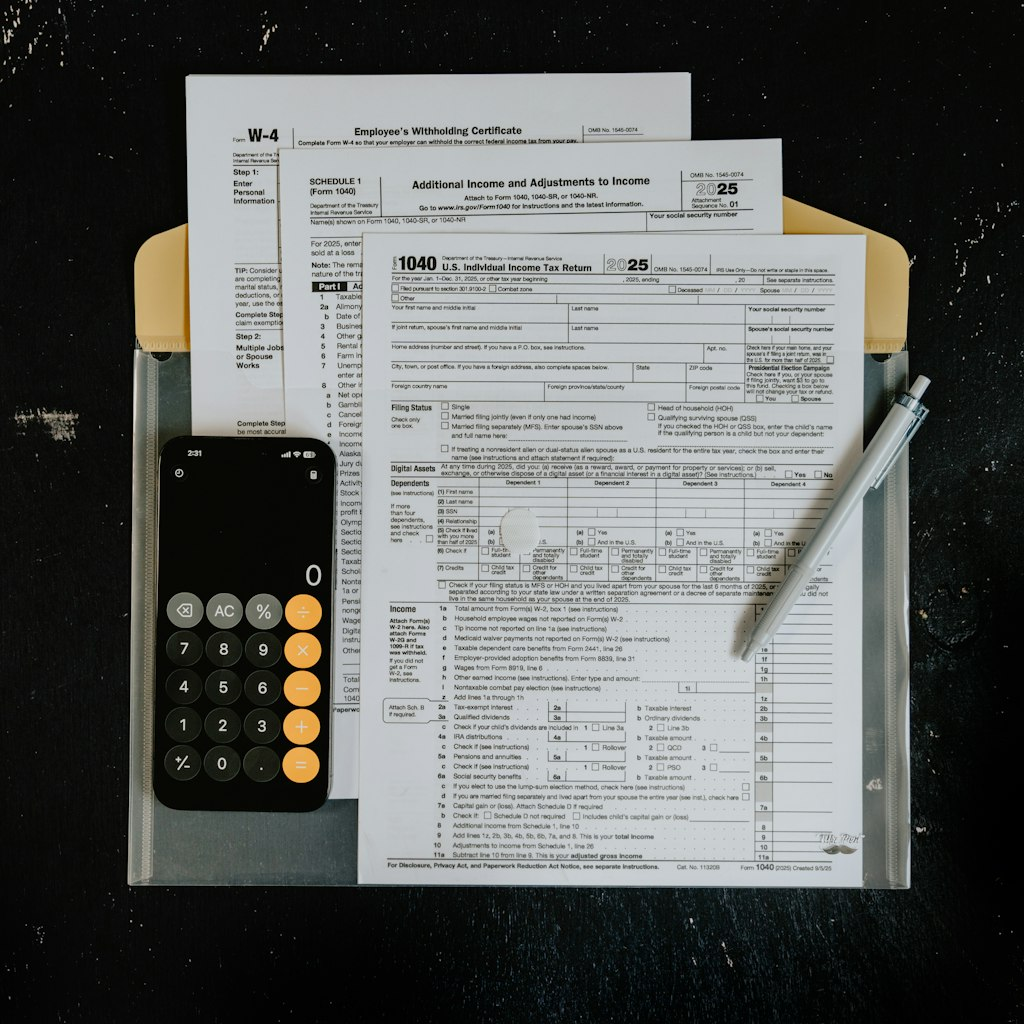
Most small business owners waste hours chasing invoices. They send manual emails, make calls, and often give up because they hate confrontation. The result is cash flow gaps that delay their own bills or payroll. A Fundbox survey says 64% of small businesses have unpaid invoices. But you don't need a statistic to feel the pain. You just check your bank balance on a Monday.
The magic isn't the reminder itself. It's the timing and tone. Prigmar lets you set the schedule and the language. Prefer 'Just checking in' on day 3, then 'Please review' on day 10. The system doesn't judge. It just sends. Your client won't feel chased because the reminders are consistent and automated. They'll feel you're organized, not desperate.
This approach preserves the relationship. Think about your best client, the one who sends referrals and always says yes. If you chase them for a late payment, you risk looking petty. But a system that sends a gentle reminder at 5 A.M. Is invisible. The client just pays. No blame, no drama. Just money in your account.
Why Your Best Client Stopped Opening Your Emails
You might think your invoice email is memorable. You attach the PDF, write a polite 'Thank you for your business,' and hit send. But the client's inbox is flooded. Your invoice lands next to a newsletter from a competitor and a spam alert from their bank. They don't ignore you on purpose. They just never see it.
That's the core problem. Late payment isn't defiance, it's distraction. Your client juggles their own staff, suppliers, and taxes. Your invoice is one of fifty emails they'll read that day. Even if they see it, they might plan to pay later and forget. A single email sent once is too easy to lose.
Prigmar solves this by scheduling reminders that ride the natural rhythm of an inbox. The first reminder goes out the day after the due date. It's short and friendly, referencing the original invoice number with a direct payment link. A client who meant to pay clicks the link and it's done. The follow-up on day 7 is more direct, but still polite: 'Just a quick note that invoice #2042 is still pending.' No guilt.
If they still haven't paid, Prigmar can escalate. You set the rules: after 14 days, send a final notice with a clear subject line like 'Action needed. Invoice #2042 is 2 weeks overdue.' The system never forgets, even when you're busy with new projects or talking to new leads. It's like having a bill collector with a calm voice.
What about clients who genuinely don't want to pay? They exist. But automatic reminders won't make them worse. They might even force a response. The client who says 'I forgot' turns into 'Can we pay next month?' That's still a win because you get a commitment in writing. You can add a personal call if needed. But for the vast majority, late payment is a slip-up, not a standoff.
What to Do When the Reminders Don't Work (And It's Not Your Fault)
Sometimes even the best automated reminders fail. You've sent three nudges. The client hasn't replied. You're starting to worry. But before you assume the worst, consider the possibilities: their email might have gone to spam, they might be traveling, or they might be delaying payment for their own cash flow. Prigmar can't read minds, but it tracks open rates.
When you log into Prigmar, you see which reminder emails were opened and which links were clicked. If the client opened your invoice five times but never paid, that's a signal. They're aware but perhaps debating. The best move is a direct phone call, but not with an angry tone. You can say, 'I see you've had a chance to review the invoice. Is there a concern?' That opens the door.
Prigmar also lets you set up a chain of reminders that pauses for a manual step. For example, after the third reminder, it stops and waits for you to send a personal message or call. That way, the automation handles the routine, but you handle the exceptions. This step matters because some clients need a human touch to feel respected. They might be upset about the work quality or simply experiencing a cash crunch. A conversation helps.
You'll be surprised how often a simple phone call resolves it. The client says, 'Oh, I completely lost track.' They weren't avoiding you. They just had a system that didn't flag invoices. Prigmar's reminders are your system, but their internal processes matter too. By making the follow-up painless, you show you're professional and organized. That can deepen trust.
What if the client still doesn't pay? You may need to send a formal final notice or consider a payment plan. Prigmar doesn't replace legal action, but it documents everything. Each sent reminder is stored, showing you've been diligent. Many jurisdictions require proof of notification before you escalate claims. So the automation protects you twice: it gets most clients to pay, and it creates a paper trail for the few who don't.
How Prigmar's Automation Fits Into Your Full Business Workflow
Prigmar isn't just an invoice reminder system. It's a complete business manager that handles your social media, SEO, chat, email, CRM, newsletters, community, and invoicing. The invoicing agents work alongside the others. For example, when a lead chat finishes with a proposal, Prigmar can generate the invoice and add it to the payment workflow. No manual handoff.
That's the advantage of an all-in-one platform compared to standalone billing software. You don't have to copy data from your CRM to your invoicing tool. The invoice is created from the same client record, with the same contact details and history. When the client pays, your CRM updates. This saves hours of data entry and prevents typos that delay payments.
Prigmar also gives you a dashboard to monitor which agents you need. You can see the status of your invoices, the open rates of your reminders, and the number of unpaid tasks across every client. It's a bird's-eye view that helps you prioritize. If one client has a late invoice and another gave you a positive review, you know where to focus.
Naturally, you might wonder about Prigmar's future direction. The product roadmap is public. You can see upcoming features like advanced reporting, more integrations, and improved automation rules. Founder-led updates mean you can suggest ideas or vote on features. Many customers share feedback on G2 and Trustpilot. Reviews highlight ease of use and time savings. But the proof is in a trial.
Before signing up, you can test the invoicing agent with a free account. Connect your payment gateway, set your reminder schedule, and send a test invoice. You'll see the automations in action. The setup is straightforward. You can even enable single sign-on to secure your account, and the platform is ADA compliant for accessibility. Soon, you'll trust the system to follow up on every invoice, so you never have to chase payments again.